Challenges With Legacy File Sharing and Collaboration Solutions
Does your current file sharing solution have these limitations:
If your solution has these limitations, it’s time to upgrade to a secure, compliant, and modern file sharing and collaboration solution.
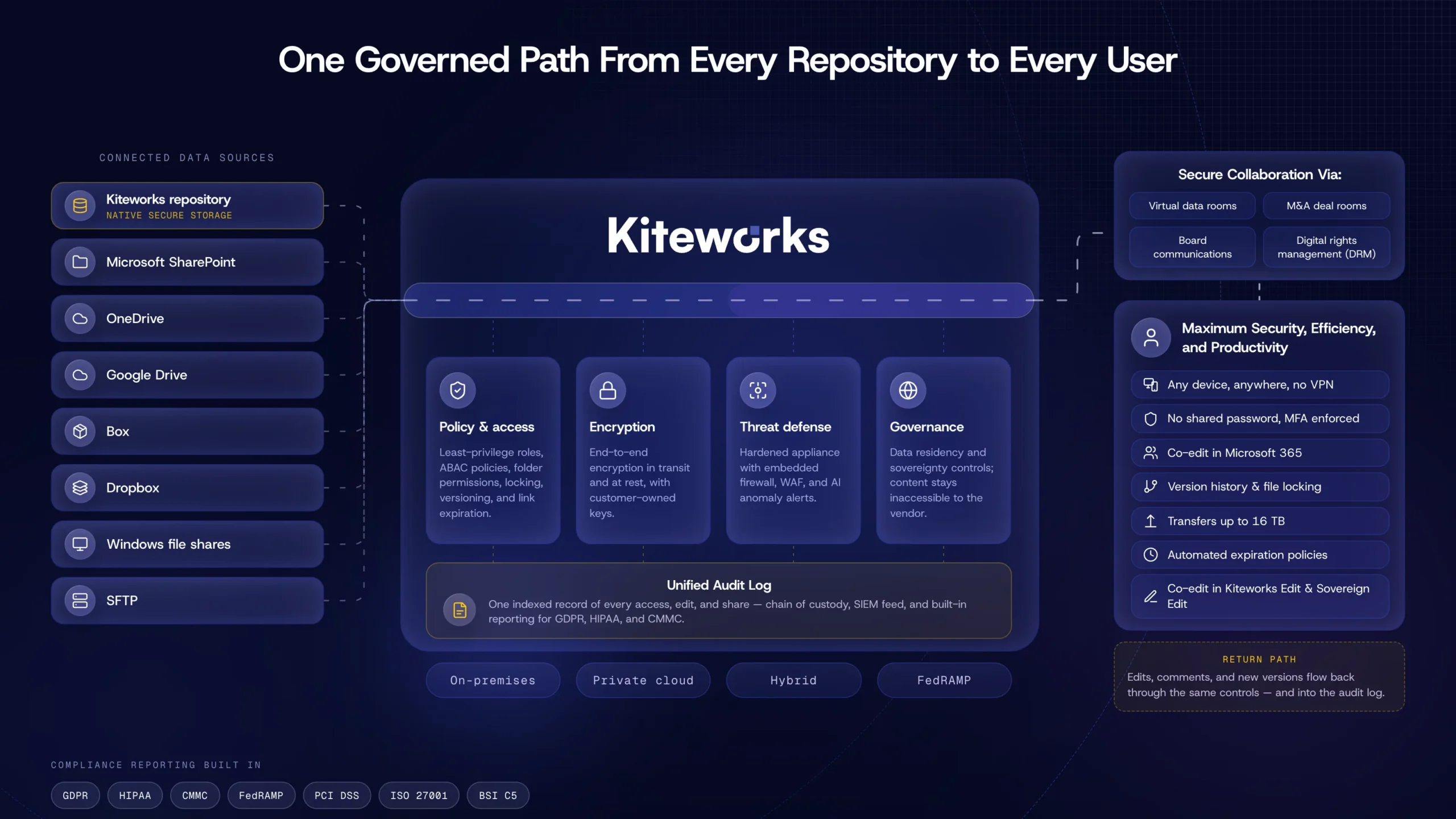
Kiteworks Secure File Sharing and Collaboration Solution:
See, Control, Protect, and Report Who Sends What to Whom
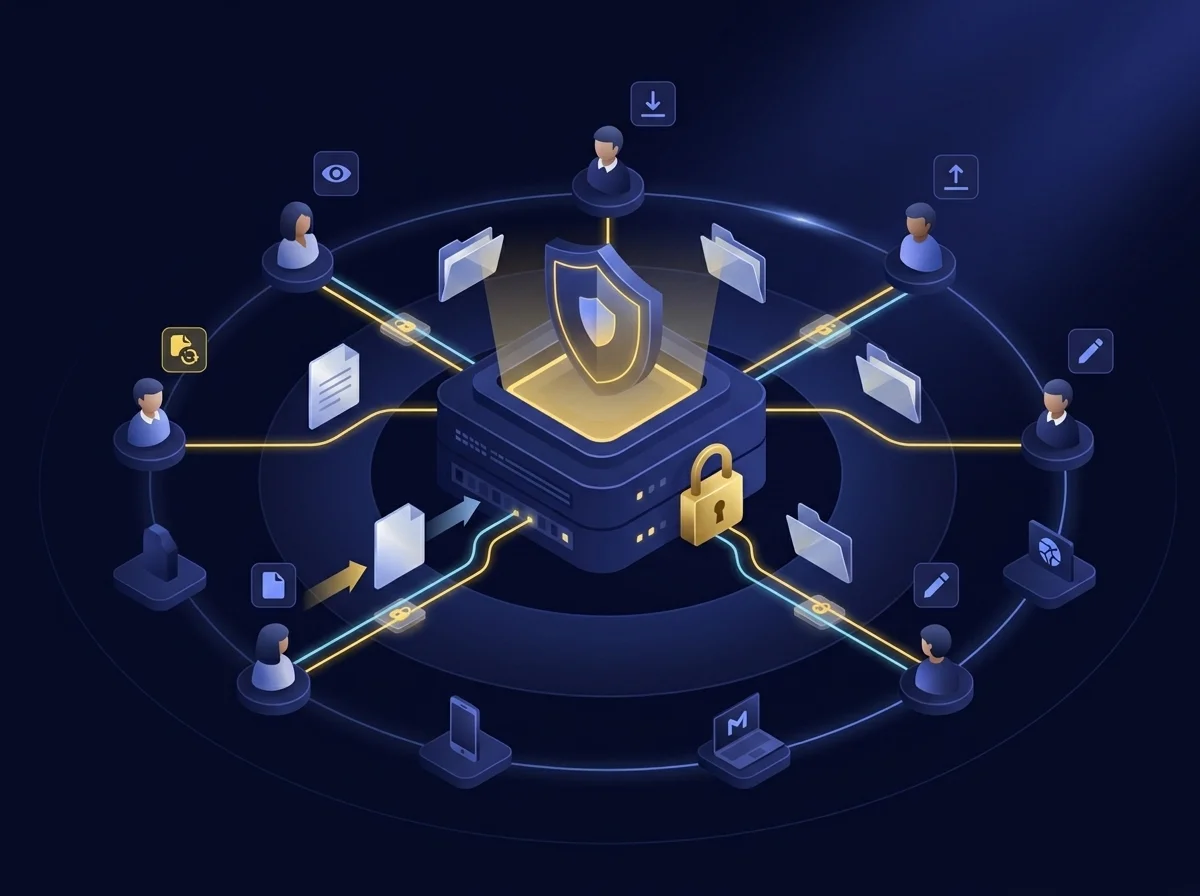
Protect Confidential Data and Increase Productivity With Shared Files and Folders
You decide who gets access to your files. Designate access privileges ranging from view only, download, upload, and edit. Need a new or revised file? Folder owners request files from external third parties so they can upload them. Tight integration to email, mobile, office, and enterprise apps makes accessing files and folders easy while increasing productivity. Files are also shared and stored securely in compliance with data privacy regulations, and all file activity is tracked.
Collaborate With Employees and Partners Securely Without Sacrificing Productivity
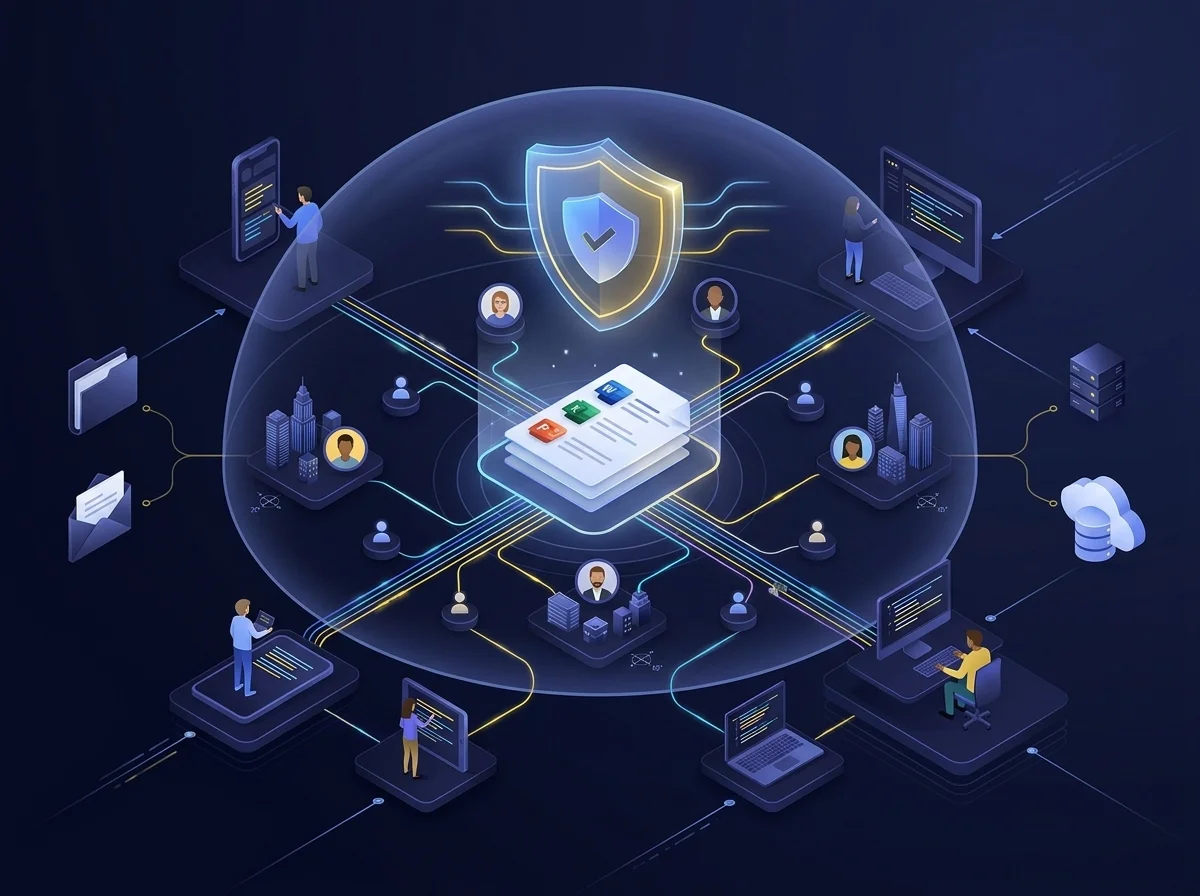
Kiteworks secure collaboration lets you access files from any enterprise content repository, from any device, from anywhere. A Microsoft Office integration lets multiple users seamlessly edit Word, Excel, and PowerPoint files in real time. Kiteworks also integrates email collaboration with shared folder collaboration, empowering employees to work together on projects with any user, anywhere in the world.
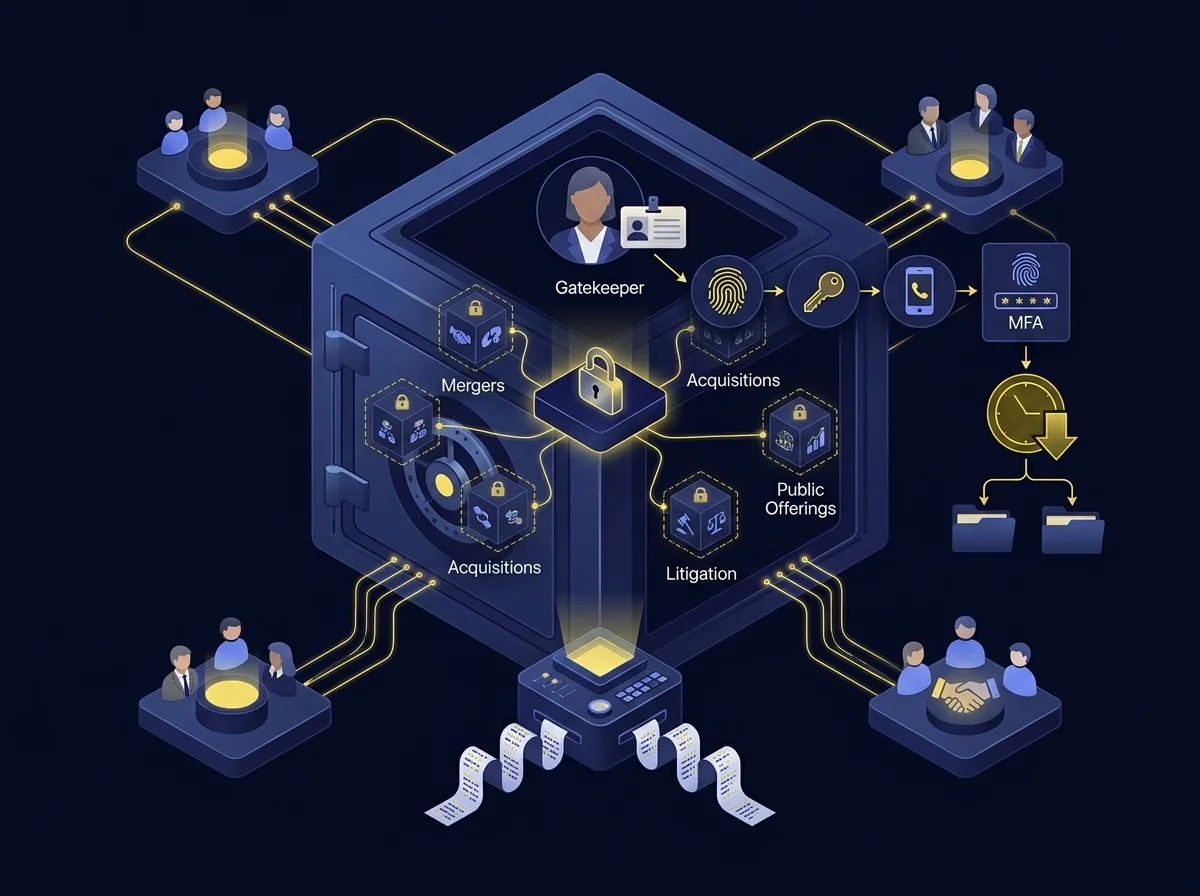
Do Deals With Complete Confidentiality in Virtual Data Rooms
Kiteworks virtual data rooms (VDRs) empower teams to collaborate with the highest levels of security and compliance. Enforce third-party user identity, MFA, and file and folder expiration. Files are encrypted in transit and at rest, and all file activity—uploads, downloads, shares, etc.—is recorded and tracked, creating immutable audit logs for reporting and analytics.
Keep Your Board of Directors Informed While Maximizing Security, Compliance, and Efficiency
With Kiteworks secure boardroom communications, emails and file attachments are encrypted in transit and at rest. Files are easily uploaded and downloaded and folder access is controlled by granular access privileges and MFA so only authenticated users can read the data. Automatic notifications of file uploads, downloads, new versions, and comments ensure no one misses and update. And all file activity is recorded and tracked, providing a comprehensive audit trail.

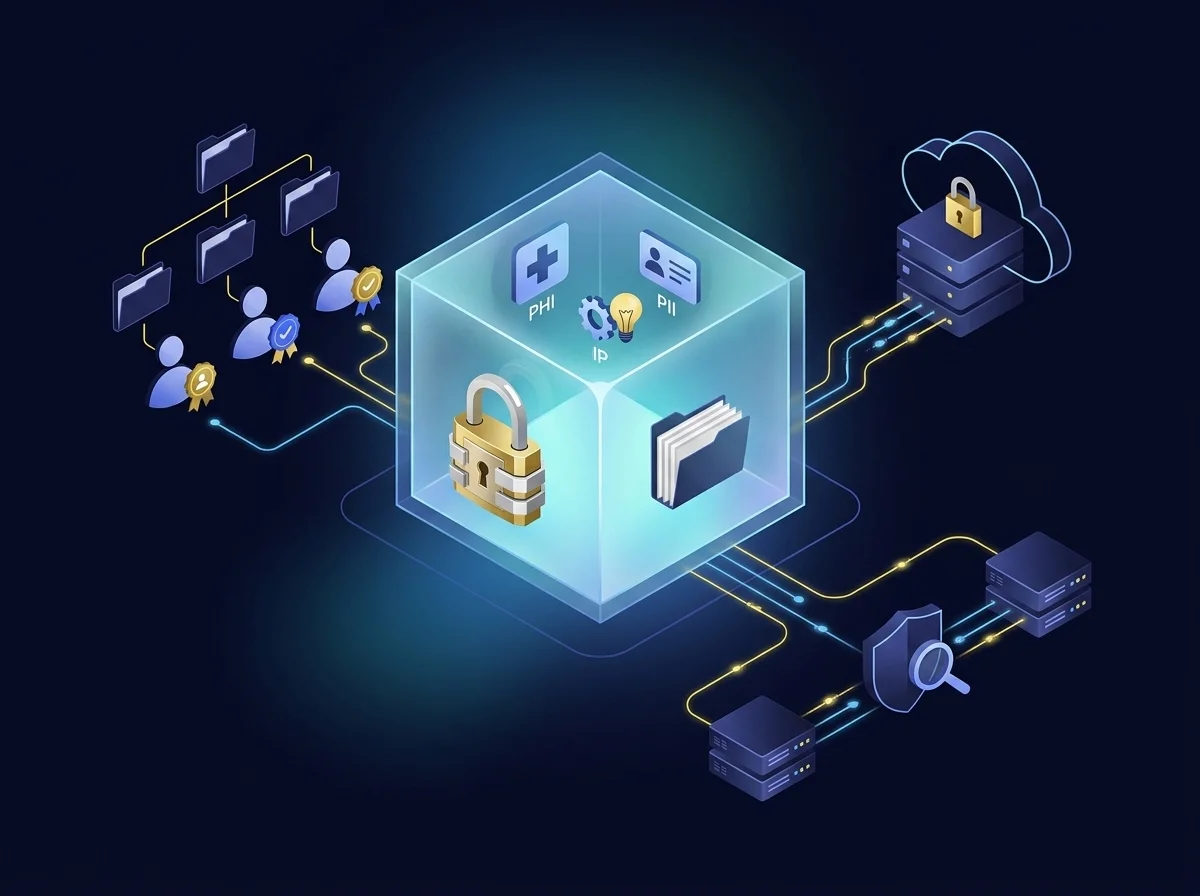
Lock Up Your Private Data
Secure sensitive data in transit and at rest with FIPS 140-3 Level 1 validated encryption, mitigating the risk of leaks, breaches, and attacks. Set and enforce folder structure, roles, and expiration. Integrate folder access with your LDAP/MSAD, MFA, and SSO. Files are scanned for data loss prevention, antivirus, and advanced threat protection as they move through a hardened virtual appliance with on-premises or private, hybrid, or FedRAMP Authorized cloud deployment options.
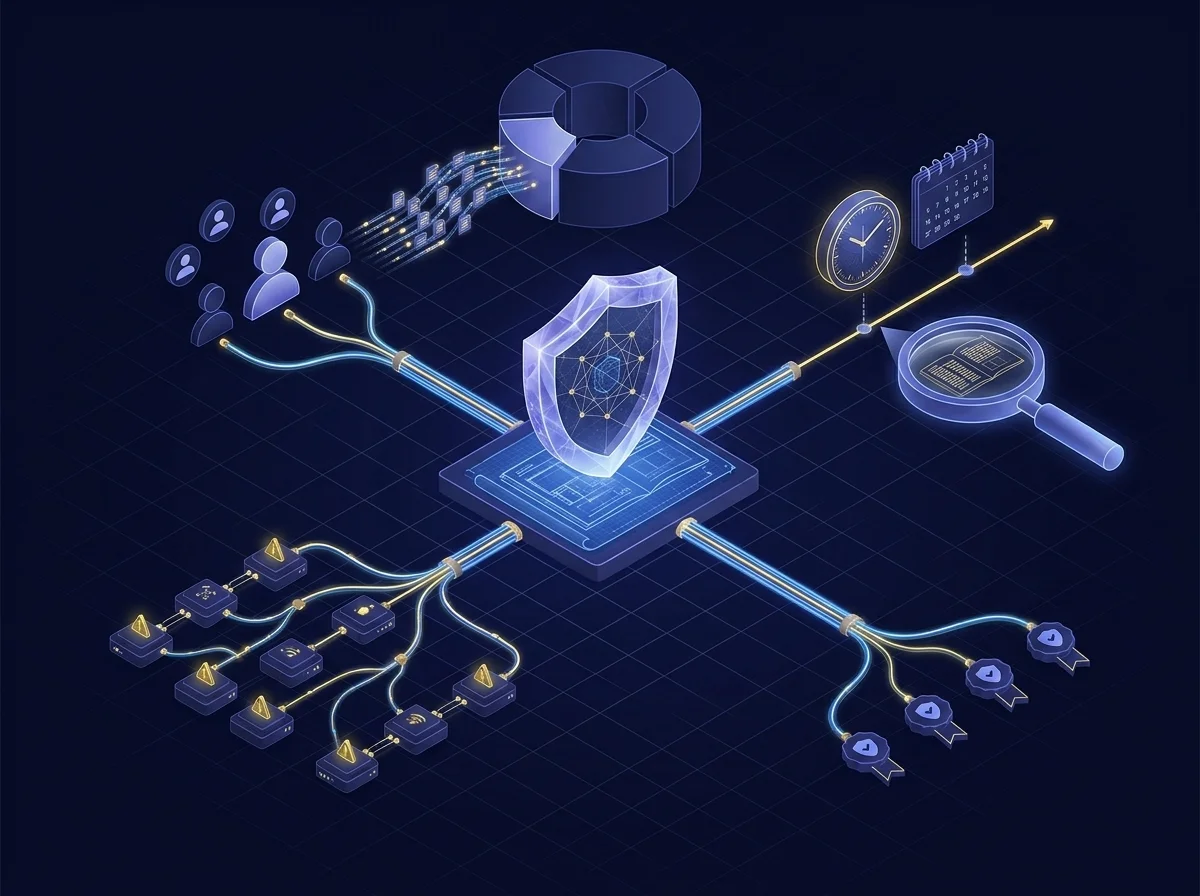
Demonstrate Regulatory Compliance With Total Data Visibility
Achieve complete data governance by tracking all file activity-who’s sharing what files with whom, when, and how, whether you use email, file sharing, SFTP, MFT, forms, or other channel. Visibility into all file activity allows organizations to detect suspicious activity and take action on anomalies as well as identify outdated and unused folders and files. Don’t just tell auditors you’re compliant with CMMC, HIPAA, GDPR, and other data privacy regulations, show them.
Secure File Sharing FAQs
Secure file sharing is a way of transferring files between two or more computers, all while ensuring that the data remains secure and confidential. Encryption, data loss prevention (DLP), advanced threat protection (ATP), and multi-factor authentication (MFA) are just some of the security features used to enable secure file sharing.
Secure file sharing typically involves encrypting files during transit and ensuring they can only be accessed by users with the correct credentials, typically a username and password. Once downloaded, the files are also encrypted locally on the user’s device. This prevents unauthorized users from viewing them without the correct credentials. Some secure file sharing systems also provide audit logs, so that administrators can track who has accessed each file and demonstrate regulatory compliance with data privacy laws and standards like CMMC, GDPR, DORA, and others.
Secure file sharing helps organizations keep their data safe and secure. By encrypting the data as it is transferred, secure file sharing prevents hackers and malicious actors from stealing or altering data. Additionally, secure file sharing can help organizations comply with data regulations and industry standards.
Regular file sharing is not encrypted, which means the data can be intercepted and read. By contrast, secure file sharing uses encryption to scramble the data before it is sent, making it unreadable to anyone without the encryption key.
Yes, secure file sharing requires a secure connection. This means that the connection must use a secure protocol such as SFTP, FTPS, or HTTPS.
Featured Resources
2022 Kiteworks Sensitive Content Communications Security and Compliance Report 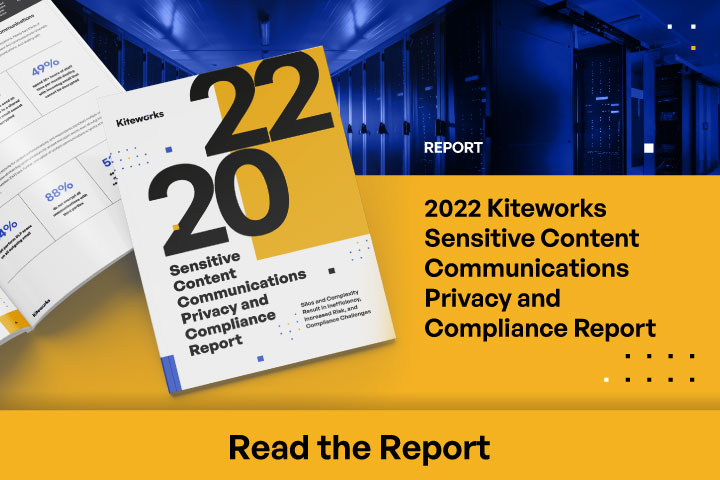
2022 Kiteworks Sensitive Content Communications Security and Compliance Report
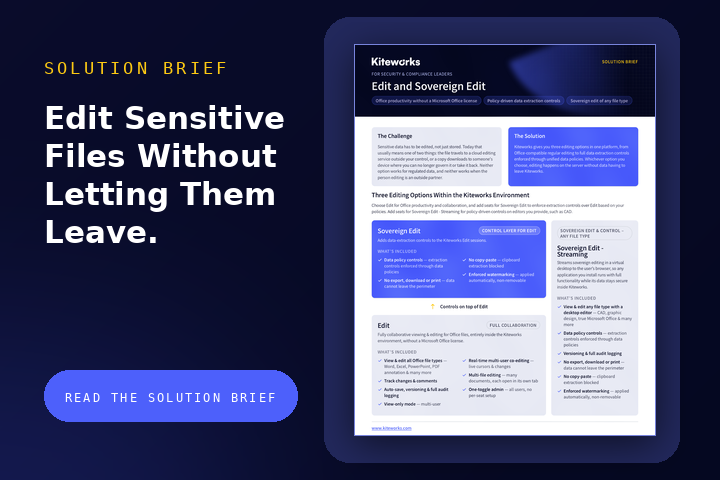
SafeEDIT Next-Gen DRM Maximizes Productivity and Security 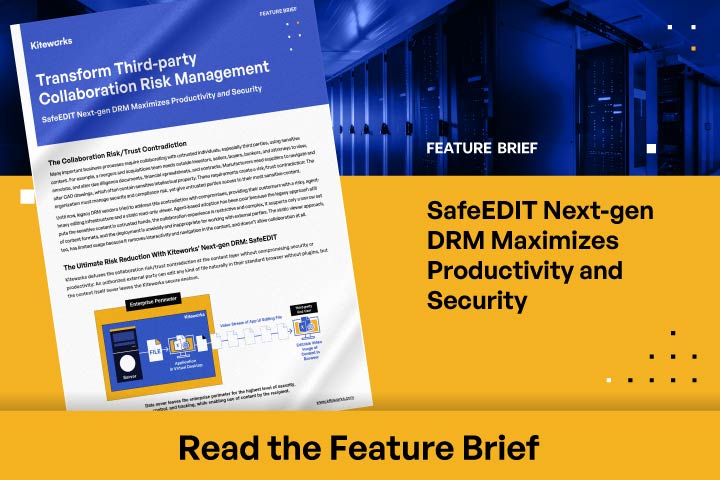
SafeEDIT Next-Gen DRM Maximizes Productivity and Security
Optimize File Sharing Governance, Compliance, and Content Protection