Share Sensitive Data Without Losing Custody of the File
DRM solutions are fundamentally flawed because they distribute an actual file to an end user, ceding control and custody to unknown (and therefore untrusted) recipients. Other limitations include the need to install agents or plugins to open a file and only a select number of file types or supported. Finally, version control is difficult to manage, creating an incomplete audit trail and challenging audit process.
Kiteworks Next-gen DRM solution, featuring SafeEDIT, eliminates these problems at the source by keeping the file locked inside the Kiteworks secure enclave and streaming only a video rendition to the user’s browser — no file transfer, no agents, no data leakage risk, no compliance risk.
Challenges with Legacy DRM Solutions
Not sure if your legacy DRM solution needs an upgrade? Does your current digital rights management platform have these limitations:
If these limitations seem all too familiar, it’s time to upgrade to a secure, compliant, and modern DRM solution.
Kiteworks Digital Rights Management Solution
SafeEDIT. Kiteworks’ Next-generation DRM
Kiteworks SafeEDIT, a next-generation DRM file sharing solution for external collaboration, streams an editable video rendition of source files securely to authorized users. The video stream provides a native application experience for reading and writing files. However, the original files always remain protected on Kiteworks servers rather than transferring possession.
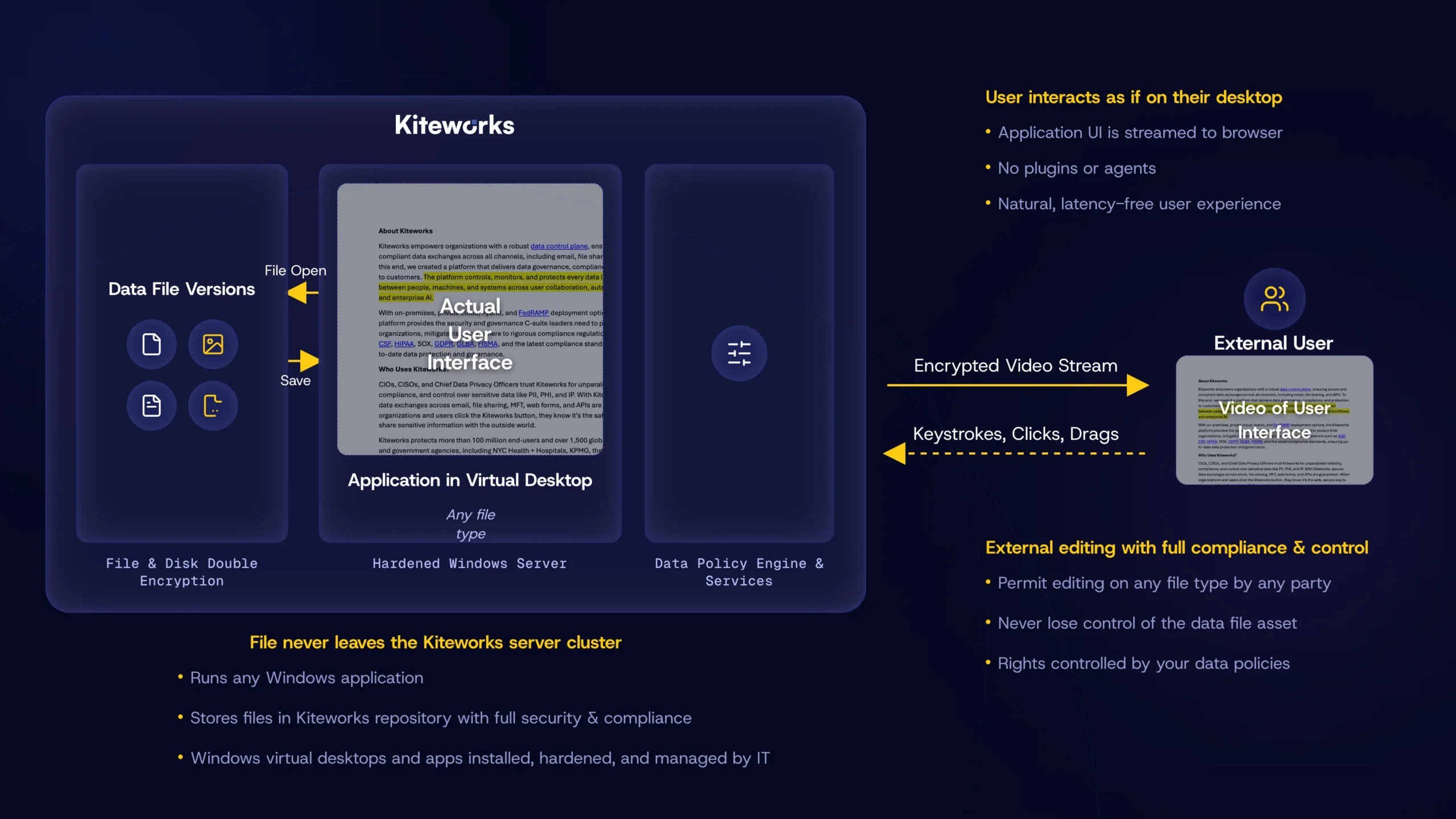
Data never leaves your perimeter for the highest level of security, control, and tracking, while enabling use of data by recipients.
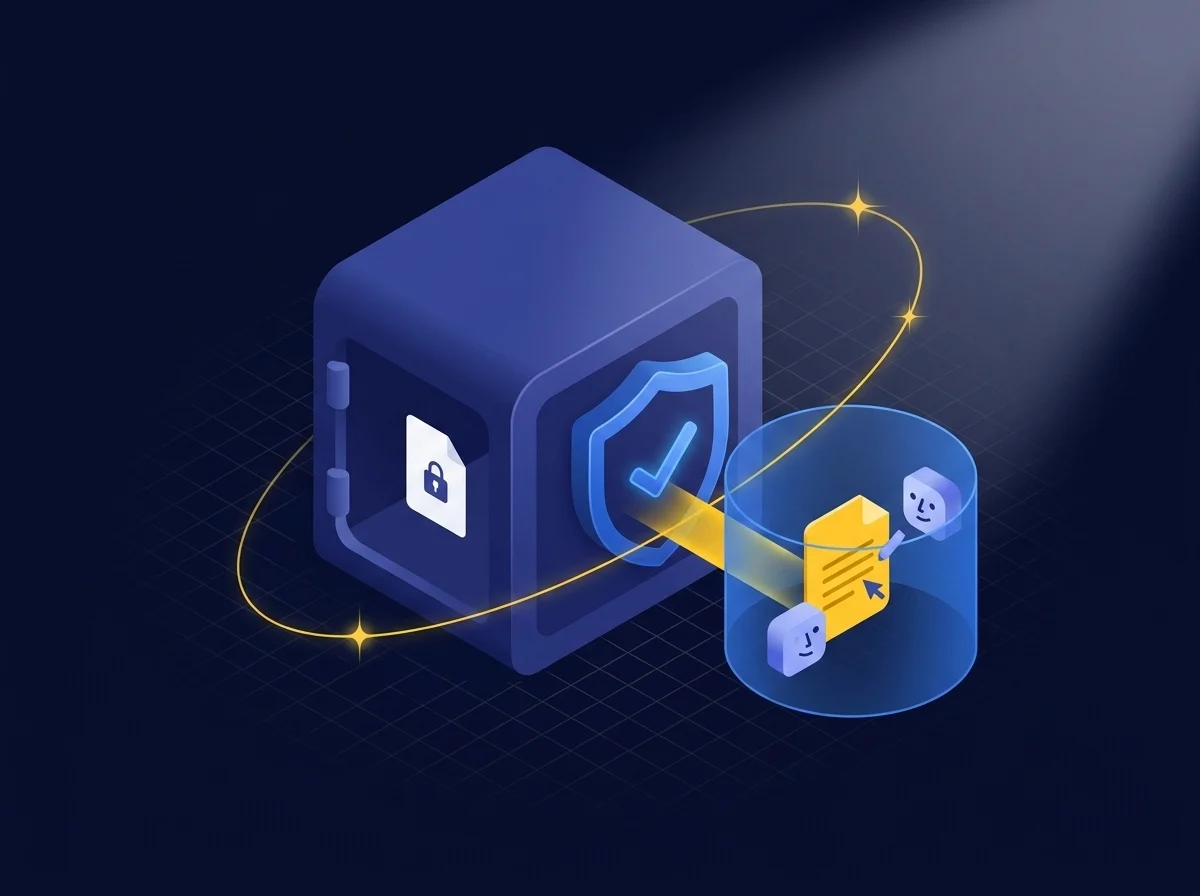
Editable File Access Externally Without Relinquishing Source Control
External collaborators get a fully interactive editing session streamed directly to their browser — while the original file stays inside your secure environment. Kiteworks assigns a virtual desktop, runs the native application, and streams the UI in real time. Your partners work naturally. Your file never moves. When the session ends, the edited version is saved automatically as a new version in your Kiteworks repository.
Original Files Protected Within Owner’s Environment
Because the file never leaves your environment, custody is maintained throughout the entire collaboration — not temporarily surrendered. If you need to revoke access mid-session, it takes effect immediately: the stream stops, the session ends, and nothing is left on the external user’s device. Complete control, at every stage of the process.

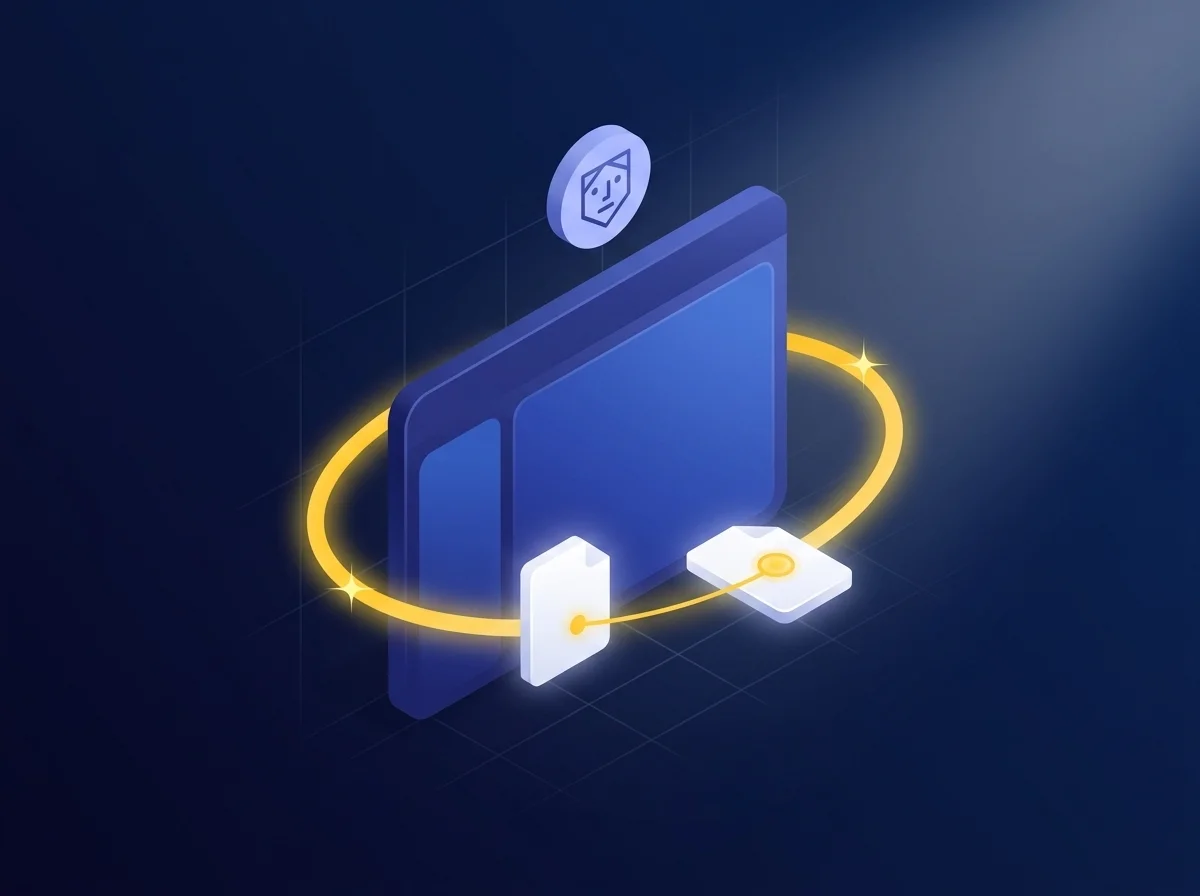
Native Application for Editing and Collaborating on File Streams
External users edit in the actual native application — Word, AutoCAD, SOLIDWORKS, Photoshop, and more — with the same interface and responsiveness they’d experience working locally. No plugins, no browser-based substitutes, no perceptible lag. Any file type that runs on a Windows application is supported, making Kiteworks SafeEDIT universally compatible across even the most complex, high-value file formats.
Robust DRM Governance
Every SafeEDIT session is governed end-to-end: instant access revocation, comprehensive audit logging of every user action, configurable watermarking, clipboard controls that prevent content from escaping to the desktop OS, and file locking to prevent conflicting edits. Authorization is enterprise-controlled — not tied to individual users — so access governance remains intact regardless of employee changes. The data policy engine can also enforce SafeEDIT automatically based on file sensitivity and user context.

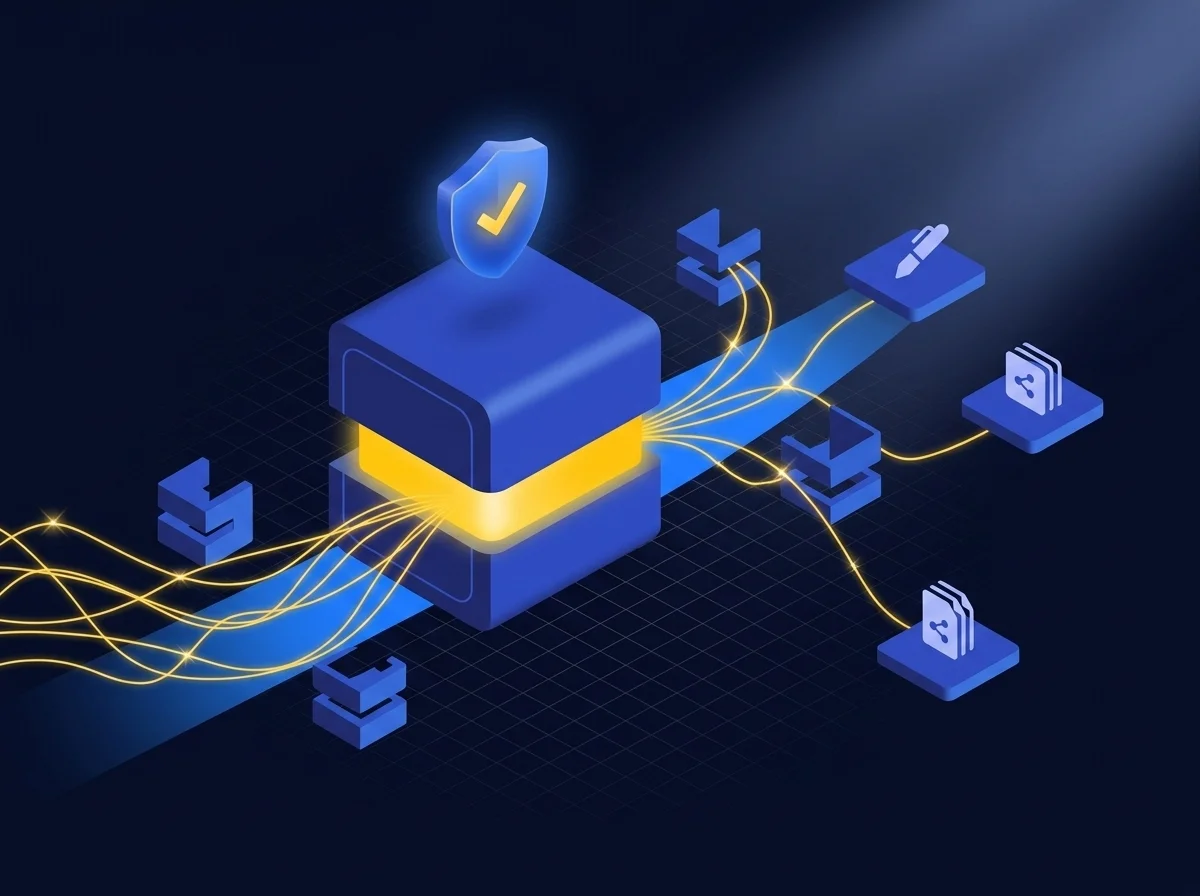
Data Custody Without Trade-offs
SafeEDIT operates at the application UI layer rather than the file format layer, which means it works universally — no proprietary wrappers, no format-specific limitations, no supported file type lists to manage. External teams collaborate on high-value files in their native applications, with a seamless experience, while your organization retains complete custody, visibility, and control throughout the entire workflow.
Digital Rights Management FAQs
Digital rights management, or DRM, is a technology that protects digital data by controlling how users can access, share, and use that data. It involves encrypting the data and embedding it with a set of rules that define the permissions for users. These rules can restrict actions such as copying, editing, printing, downloading, and forwarding, ensuring that the data owner’s intellectual property rights are upheld. DRM is widely used in various industries to secure sensitive or copyrighted data in files, documents, software, music, and videos from unauthorized use or distribution.
DRM secures and protects files and documents with encryption and access controls. It allows data owners to set specific user permissions and track document usage. For example, DRM can limit access to a confidential report to “view-only” mode, disable printing, and prevent it from being shared outside a designated group. DRM can also provide audit logs, showing when and by whom a document was accessed. This level of control and monitoring is crucial for maintaining the confidentiality and integrity of sensitive information and, in some cases, demonstrating regulatory compliance.
Yes, DRM protections can be applied to a wide range of digital data, including text documents, emails, images, and audio and video files. It’s particularly valuable for any data that is sensitive, proprietary, or subject to regulatory compliance laws like GDPR, HIPAA, ITAR, and CMMC compliance. DRM technology adapts to different file types, embedding the necessary permissions and usage rules directly into the data, regardless of its format. This versatility makes DRM a critical tool for protecting intellectual property across various digital media.
DRM solutions are designed to be dynamic, allowing data owners to modify (loosen, tighten, or revoke) access permissions, even after distribution. If a document needs to be updated or an error is discovered, a DRM solution can revoke access to the old version and distribute a new one. Similarly, if a user’s access rights change, their permissions can be adjusted accordingly, enhancing document control and data protection throughout the data life cycle.
Digital rights management (DRM) supports regulatory compliance with data privacy regulations by providing detailed control over who can access sensitive information and how they can use it. Regulations like HIPAA, GDPR, DPA 2018, and others require strict handling of personal data. DRM helps organizations comply with these regulations by ensuring that access to sensitive data is restricted, monitored, and auditable. By using DRM, organizations can demonstrate that they are taking proactive steps to safeguard personal data against unauthorized access that can lead to data breaches and compliance violations.
Featured Resources
Kiteworks SafeEDIT. Next-generation Digital Rights Management (DRM)
Kiteworks SafeEDIT. Next-generation Digital Rights Management (DRM)
SafeEDIT Next-gen DRM Maximizes Productivity and Security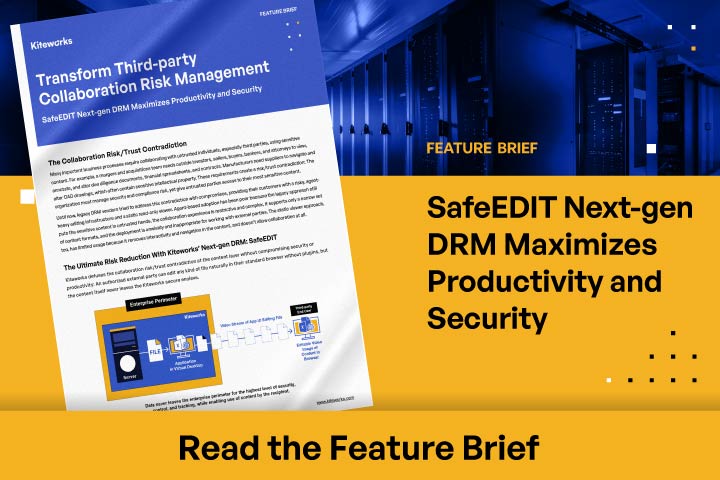
SafeEDIT Next-gen DRM Maximizes Productivity and Security
The Promise of DRM and Why It Typically Falls Short
The Promise of DRM and Why It Typically Falls Short
It’s Time for a DRM “Do-over:” Findings and Takeaways in Kiteworks’ 2023 Sensitive Content Communications Report
It’s Time for a DRM “Do-over”
4 Biggest Digital Rights Management Stumbling Blocks
4 Biggest Digital Rights Management Stumbling Blocks
Safeguarding Intellectual Property When Collaborating With External Parties
Safeguarding Intellectual Property When Collaborating With External Parties
Kiteworks Announces Industry’s First File and Email Data Communications Platform Built on the NIST CSF
Kiteworks Announces Industry’s First File and Email Data Communications Platform Built on the NIST CSF
Featured Resources
Kiteworks SafeEDIT: Next-generation Digital Rights Management (DRM) 
Kiteworks SafeEDIT: Next-generation Digital Rights Management (DRM)
SafeEDIT Next-Gen DRM Maximizes Productivity and Security 
SafeEDIT Next-Gen DRM Maximizes Productivity and Security
Master Digital Rights Management
Master Digital Rights Management
IT, SECURITY, PRIVACY, AND COMPLIANCE LEADERS AT THOUSANDS OF THE WORLD’S LEADING ENTERPRISES AND GOVERNMENT AGENCIES TRUST KITEWORKS