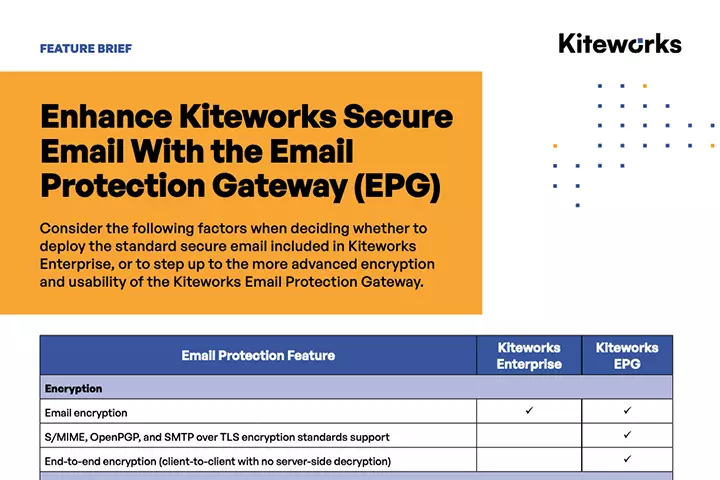
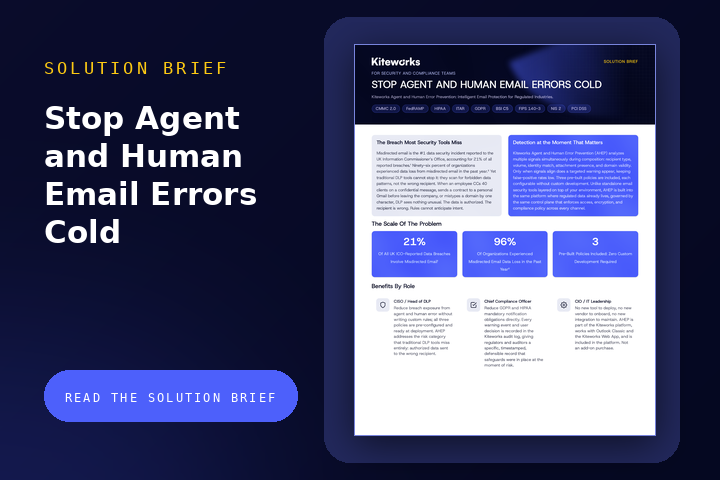
Close the Email Compliance Gap With Automated Policy Controls
Most organizations leave email data protection to individual users, despite the fact emails frequently contain extremely sensitive data. A single misdirected message or unencrypted attachment can trigger a data breach, regulatory sanction, or reputational crisis. Even with the assistance of ad-hoc encryption tools, compliance with frameworks like HIPAA, GDPR, and ITAR is nearly impossible, because it requires employees to make the right decision with every single email they send.
Kiteworks Email Protection Gateway (EPG) closes this gap by automatically enforcing your data policies on every inbound and outbound email — encrypting, routing, rejecting, or blocking messages based on data and user attributes — with no action required from staff and complete audit visibility across all email traffic.
Protect ALL Email Traffic With Automatic Policies
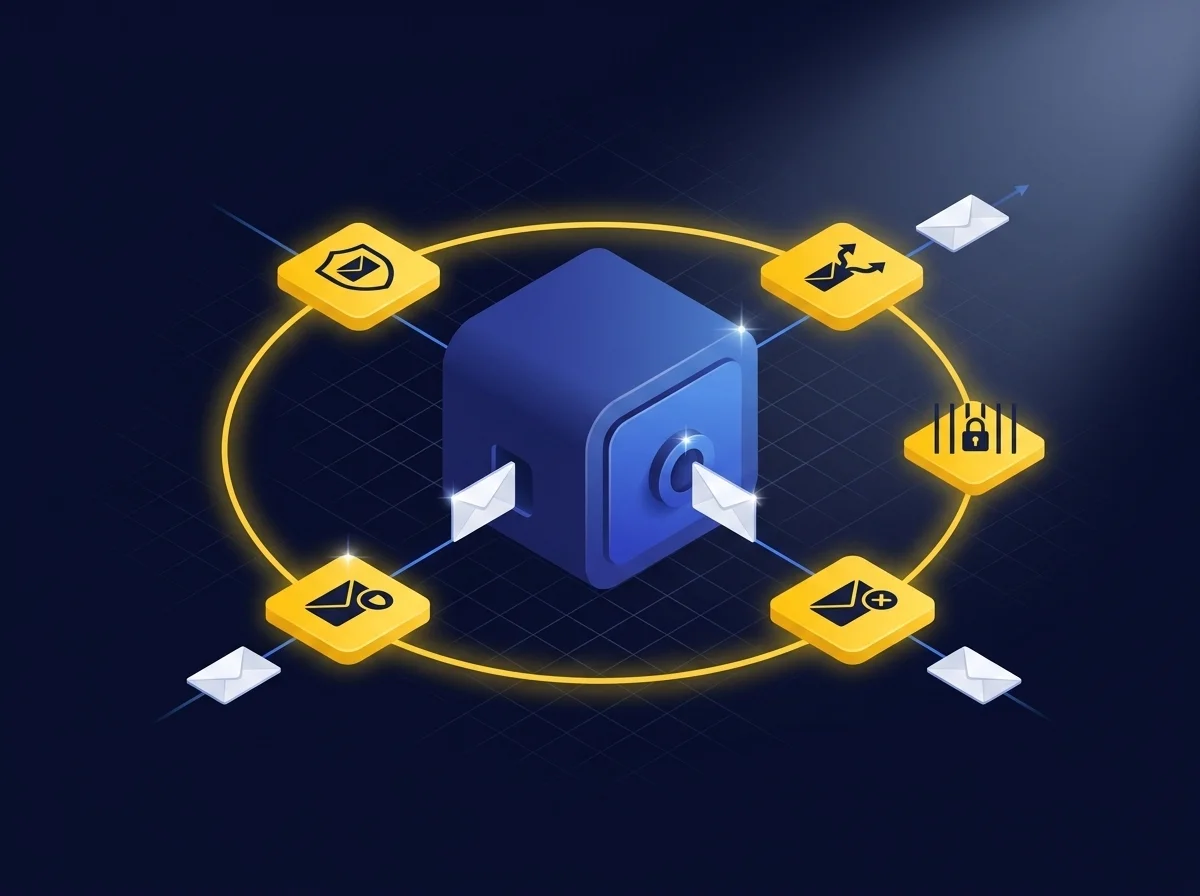
Set and enforce policies automatically to govern every inbound and outbound message by sender, recipient, data content, classification label, and message attributes, with no user involvement required. With Kiteworks’ data policy engine, you enforce encryption, routing, quarantine, and rejection. Define policies once and know they’re applied consistently on every message. For example, set policies to identify sensitive data in inbound emails and automatically route it to a compliant path so employees cannot mishandle it, even if they try.
Enforce the Right Policy on Every Email With Kiteworks Email Protection Gateway
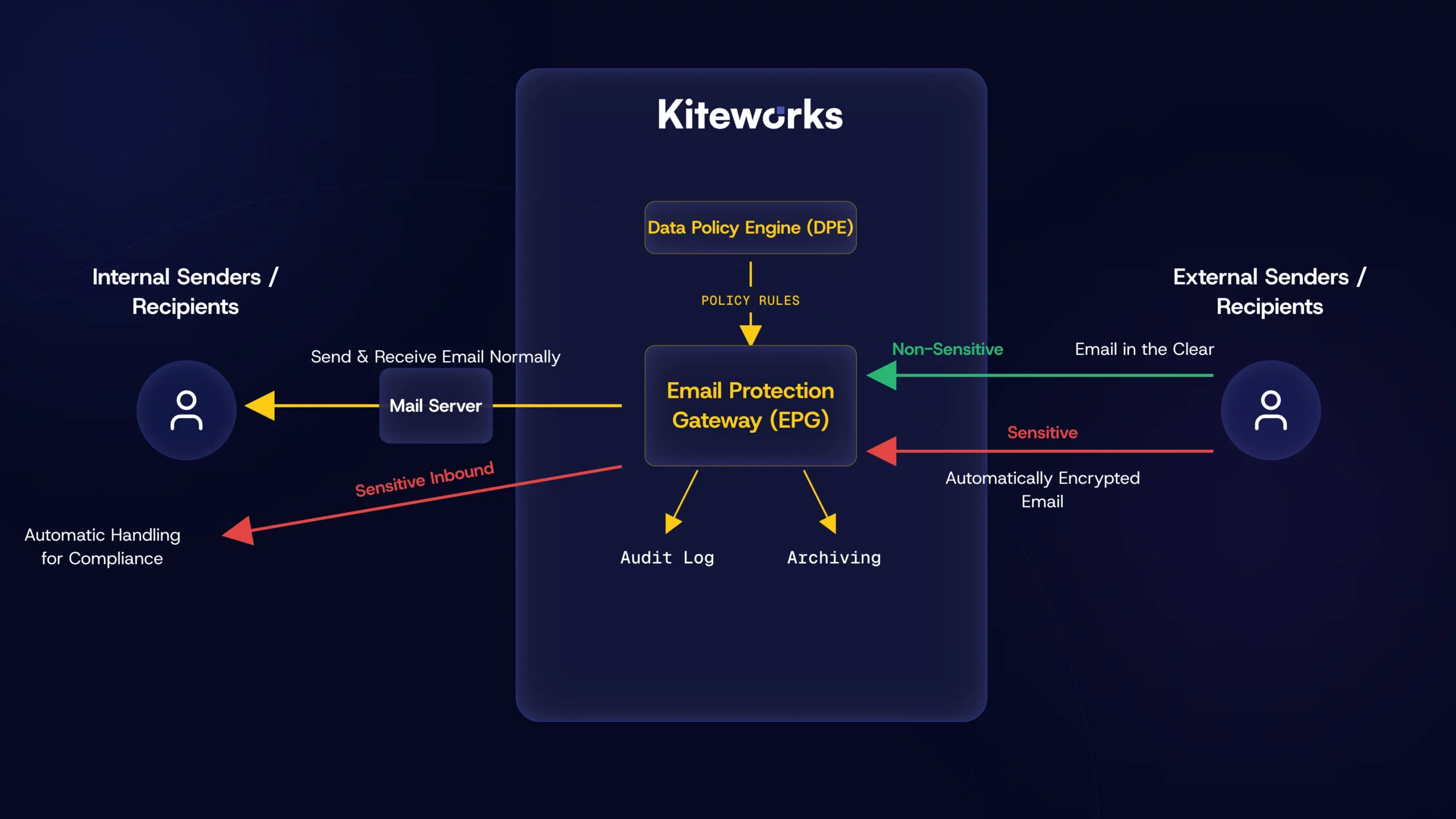
Kiteworks Email Protection Gateway (EPG) automatically enforces the appropriate policy, encryption, and compliance on every email — inbound and outbound — removing the risk of human error and giving security and compliance teams complete audit visibility across all email traffic.
Prevent Human Errors When Sending Emails
Remove the human decision from the security equation entirely. Rather than training employees to always make the right choice — an unreliable control — EPG makes the right choice automatic, invisible, and universal, regardless of who sends the email or what they know about data security. you apply your policies invisibly in the email stream, so users never decide which emails to encrypt or which recipients should receive sensitive data. Users work in their normal email clients with no new applications to learn and no compliance decisions to make. The risk of accidental misdirection is eliminated by design.

Prove Compliance With Logging of ALL Email Events
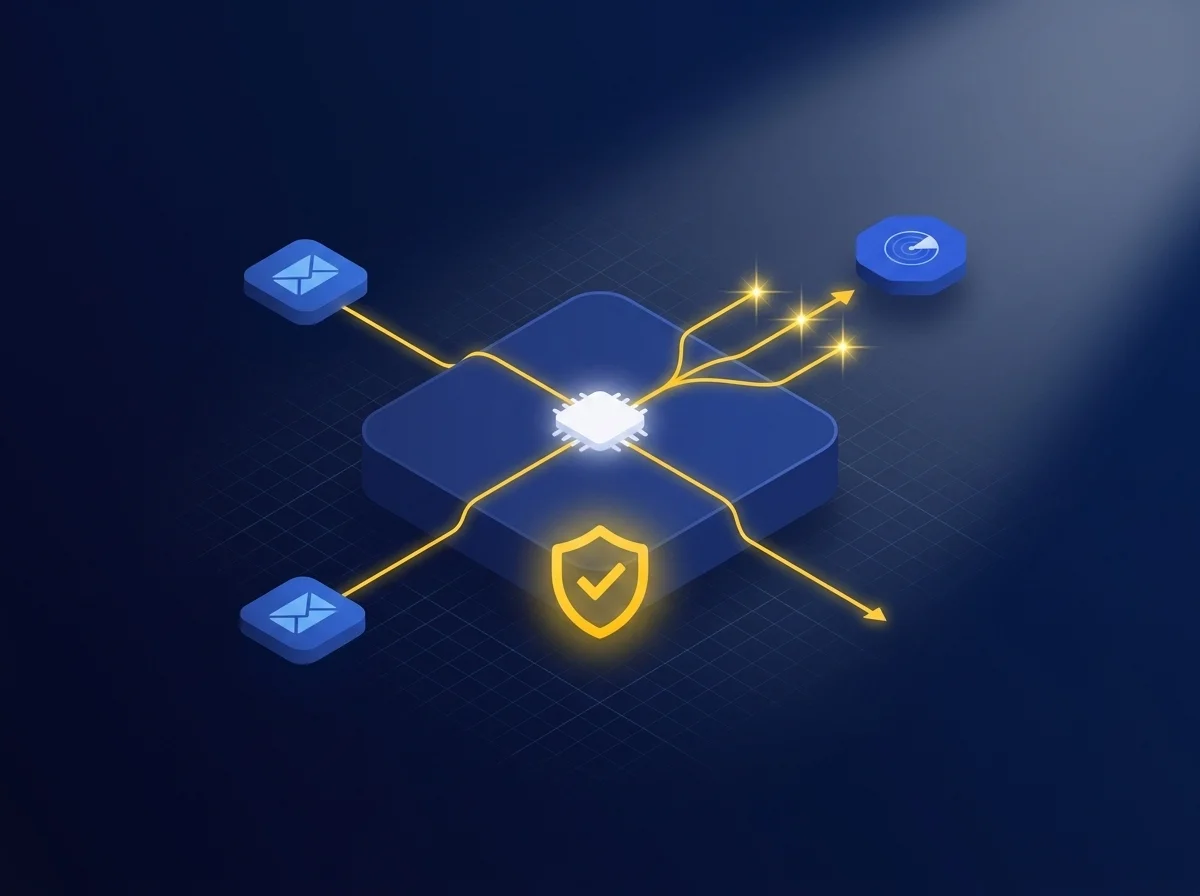
Log every inbound and outbound message with normalized, immutable records — not just emails flagged as sensitive. Each log entry captures the complete context of the policy decision, including: the rule that was matched, the action taken (encrypted, routed, quarantined, rejected, passed through), the delivery outcome. The data feeds directly into your SIEM, giving you a defensible record for every regulatory inquiry. Because EPG logs every message — with full policy context, delivery outcomes, and recipient actions — compliance teams can demonstrate not just what happened to every email, but why — which policy governed it and what the system did in response.
Leverage Your Data Classifications With MIP Sensitivity Label Integration
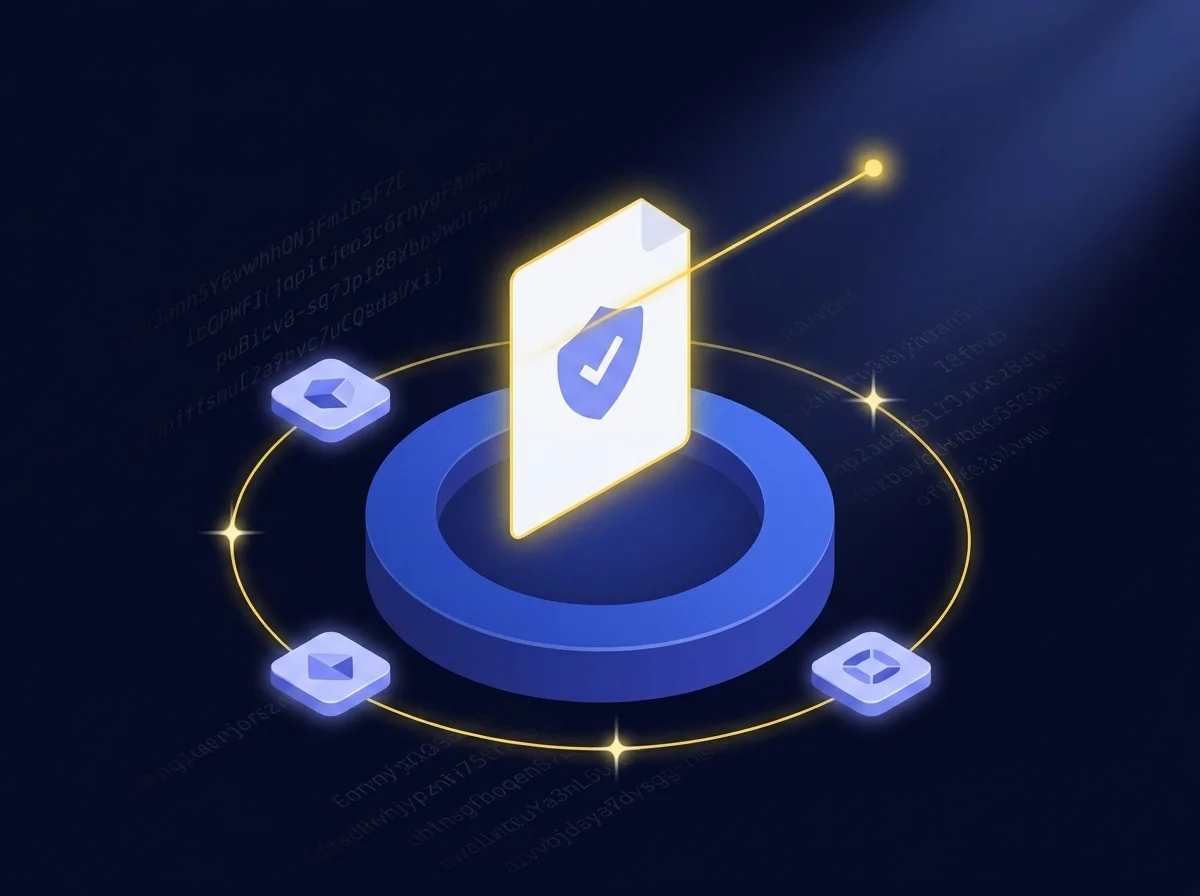
EPG reads Microsoft Purview (MIP) sensitivity labels in attachments and messages and applies the correct policies to each data class automatically; labels your team already applied become the policy trigger for the appropriate gateway action, extending your information security program into the email stream. Employees therefore don’t need to decide how to handle a “Confidential” or “Highly Restricted” file because the system already knows and acts accordingly. Kiteworks also reads MIP label GUIDs and can distinguish between labels from different organizational sources with different label sets.
Automate Compliant Handling of Sensitive Incoming Emails
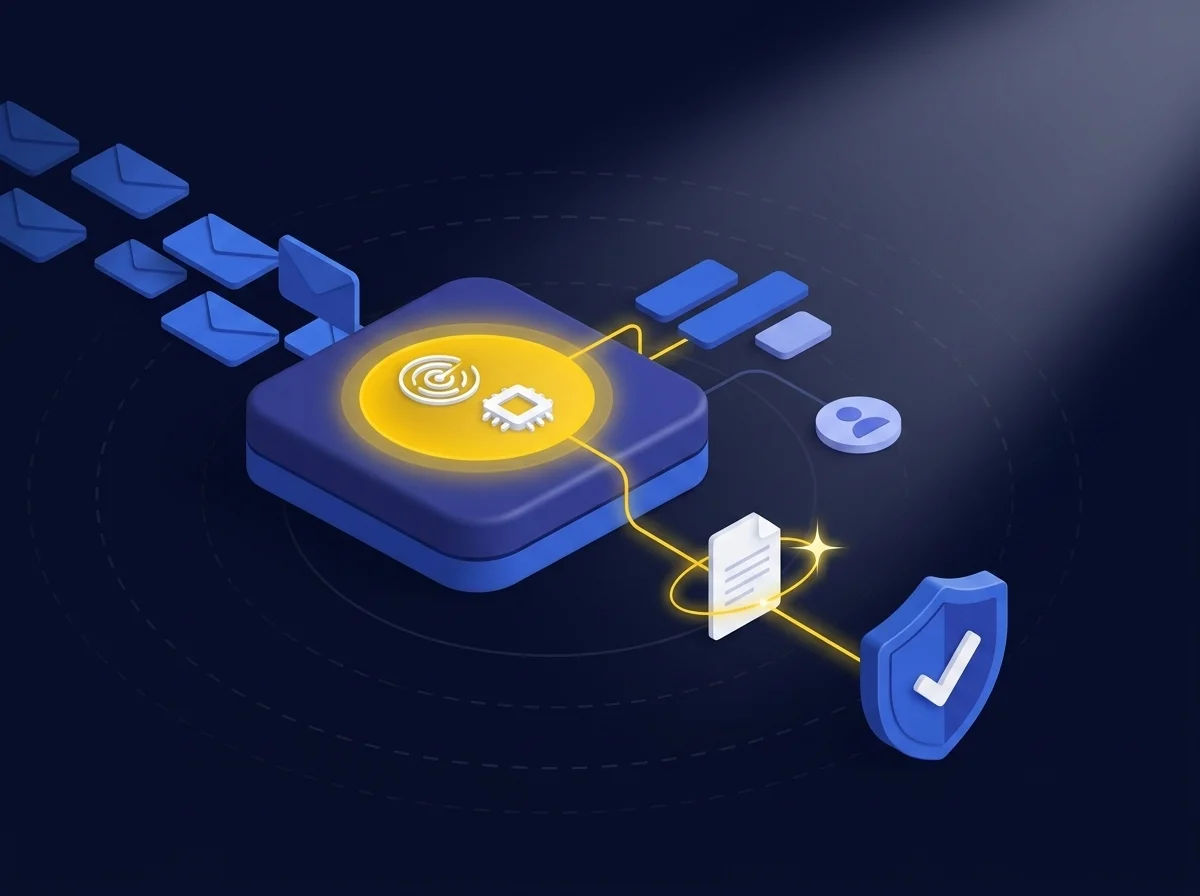
Most email security tools focus on outbound data loss prevention. EPG closes the other half of the compliance gap: ensuring that sensitive data received is automatically classified, routed, controlled, and logged. EPG evaluates each incoming email against your data policies and applies the appropriate action automatically, before the email reaches the recipient’s inbox. CUI, PII/PHI, and other sensitive data in inbound emails is automatically routed to a compliant path so employees can’t mishandle sensitive inbound data even if they don’t recognize its sensitivity.
Provide Encryption for External Recipients That Just Works
EPG removes the key barriers that prevent encrypted emails from being used consistently with external parties: protocol complexity, key management overhead, recipient software requirements, and file size limits. EPG delivers encrypted email in alignment with the recipient’s existing environment: webmail / TLS, S/MIME, or OpenPGP — with no additional software required. EPG also handles all key management: obtaining, distributing, and maintaining certificates and key pairs. Finally, EPG supports attachments up to 16 TB, staged on Kiteworks servers and delivered to external recipients via an authenticated web portal.
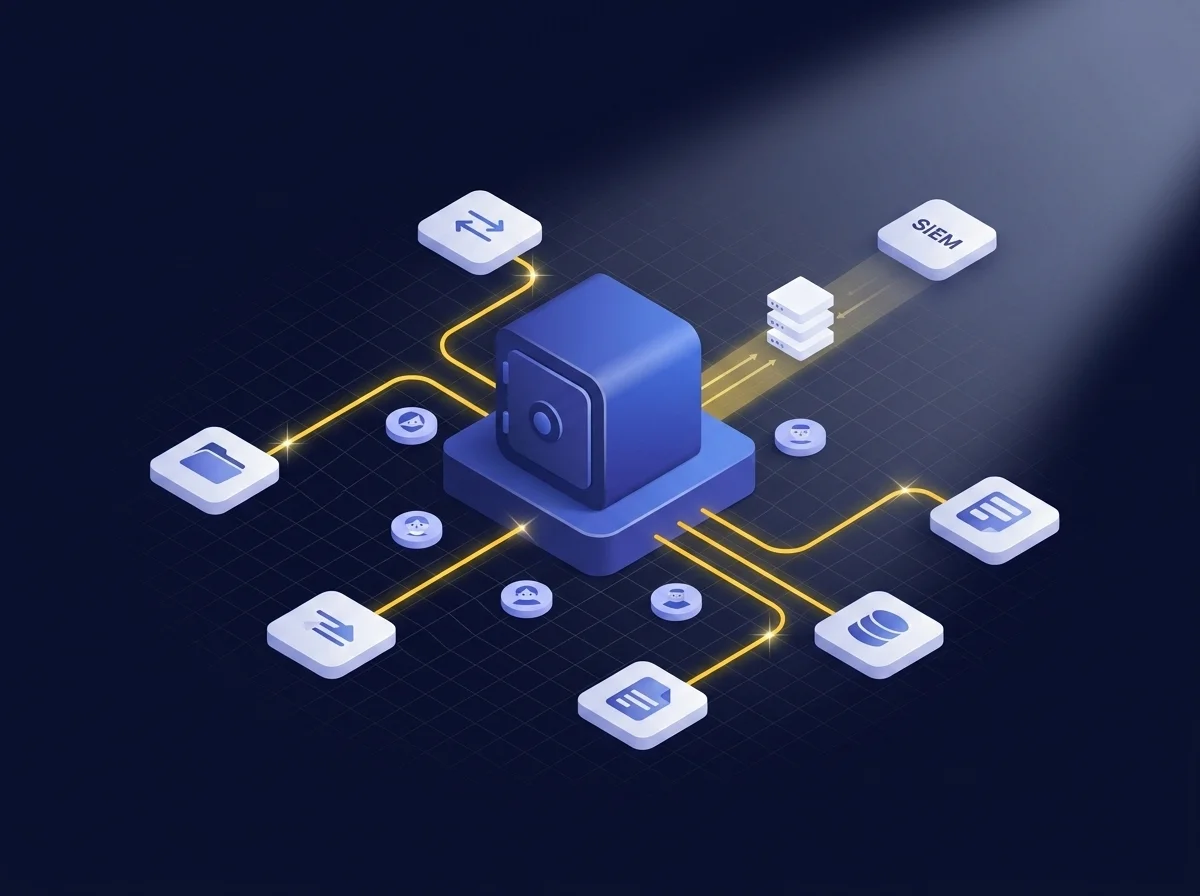
One Control Plane for All Sensitive Data Exchanges
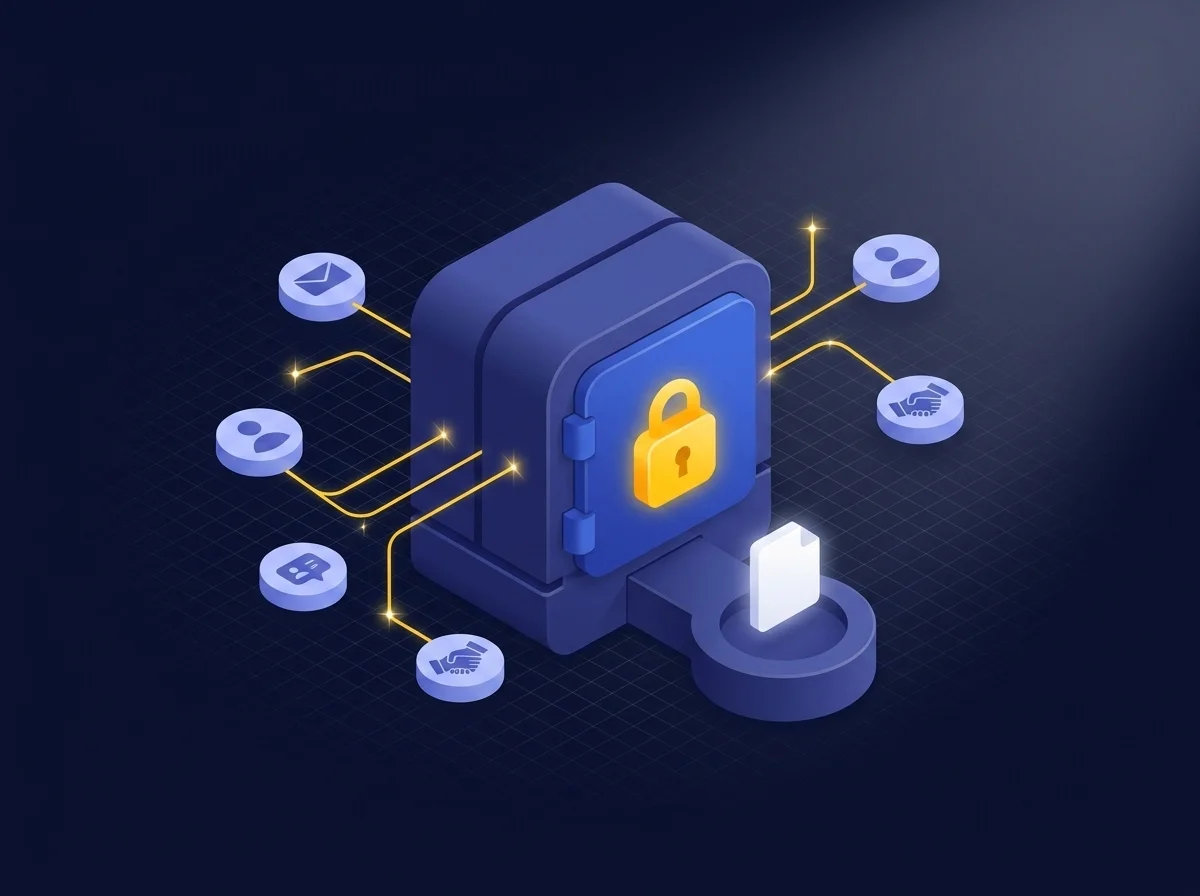
EPG shares a single policy engine, control plane, and audit log with Kiteworks file sharing, managed file transfer, SFTP, and forms. Compliance is consistent regardless of how sensitive data moves into, out of, or within your organization.
Your security and compliance teams get a single dashboard for visibility across every channel, with unified audit data feeding directly into your SIEM.
Frequently Asked Questions
The Data Policy Engine (DPE) automatically governs every inbound and outbound email by enforcing policies based on sender, recipient, data content, classification label, and message attributes. It applies actions such as encryption, routing, quarantine, and rejection consistently to every message without user involvement.
EPG applies policies invisibly within the email stream, ensuring users do not need to decide which emails to encrypt or which recipients should receive sensitive data. This eliminates the risk of accidental misdirection as users work in their normal email clients without needing to learn new applications or make compliance decisions.
EPG scans inbound messages and automatically routes sensitive data, such as controlled unclassified information (CUI) or protected health information (PHI), to a compliant path. This prevents employees from accidentally receiving and mishandling regulated data in a standard inbox by directing it to the appropriate location as per compliance requirements.
EPG offers multiple encryption options for external recipients, including Webmail/TLS, S/MIME, and OpenPGP, with optional FIPS 140-3 validated encryption. It also supports additional compliance features like automatic archiving for retention and eDiscovery, sending large attachments up to 16 TB via a secure web portal, tracking recipient actions, and applying DRM controls such as view-only access, expiration, and forwarding restrictions.
Featured Resources
Close the Email Compliance Gap With Automated Policy Controls 
Close the Email Compliance Gap With Automated Policy Controls
Enhance Security With the Email Protection Gateway