Meet KAI: The AI Agent That Answers to Your Audit Log
Compliance and security teams answer the same questions again and again: Who accessed what, which policy fired, who shared this externally. Each answer takes manual reports and analyst time. At the same time, the business is pushing AI into the stack, and the teams who own risk cannot approve an AI tool they cannot audit. Gartner projects that 40% of enterprise applications will include task-specific AI agents by the end of 2026.
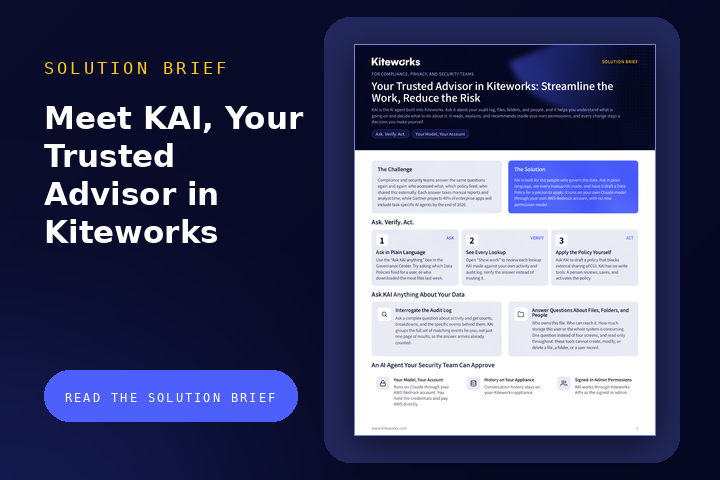
KAI is the AI agent built into Kiteworks for the people who govern the data. Ask a question in plain language and get an answer drawn from your own activity and audit log, users, files, folders, and risk policies, with every lookup KAI made on display. Ask KAI to draft a risk policy, review the draft, and apply it yourself. KAI never changes your data. It runs on your own Claude model through your own AWS Bedrock account, with no new permission model.
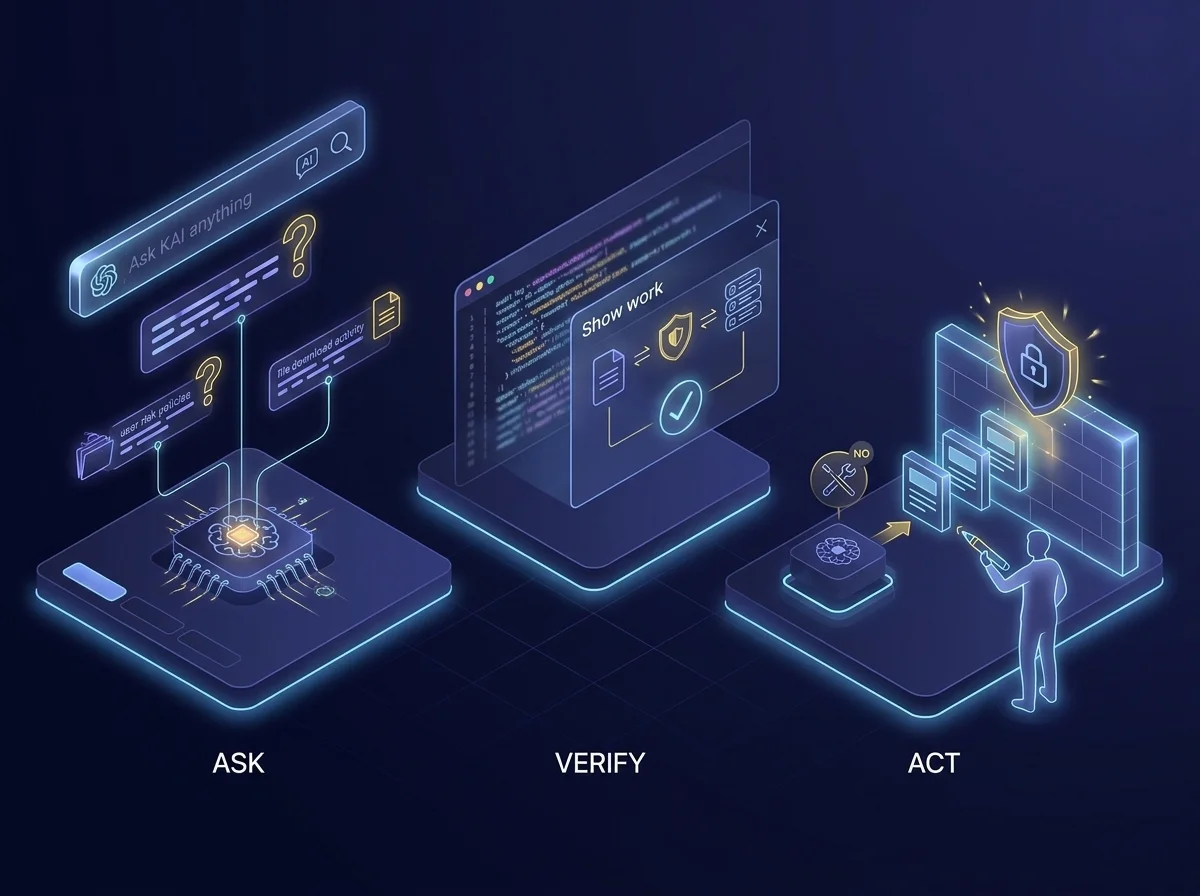
Ask. Verify. Act.
Audit questions should not need a reporting project. KAI lives in the Ask KAI anything box at the top of the Governance Center, so there is no new console and no new tool to learn.
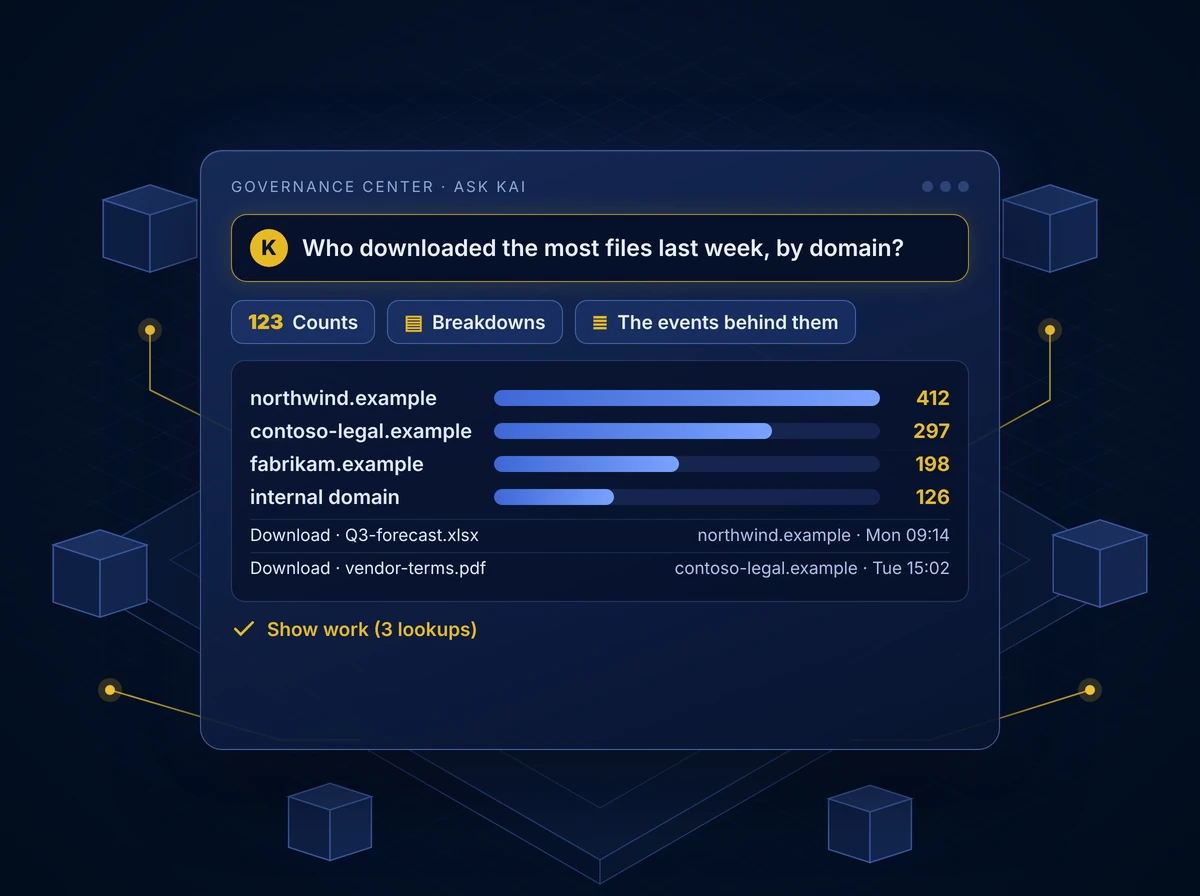
ASK: Ask in Plain Language. Use the “Ask KAI anything” box in the Governance Center. Try asking which risk policies fired for a user, or who downloaded the most files last week.
VERIFY: See Every Lookup. Open “Show work” to review each lookup KAI made against your own activity and audit log. Verify the answer instead of trusting it.
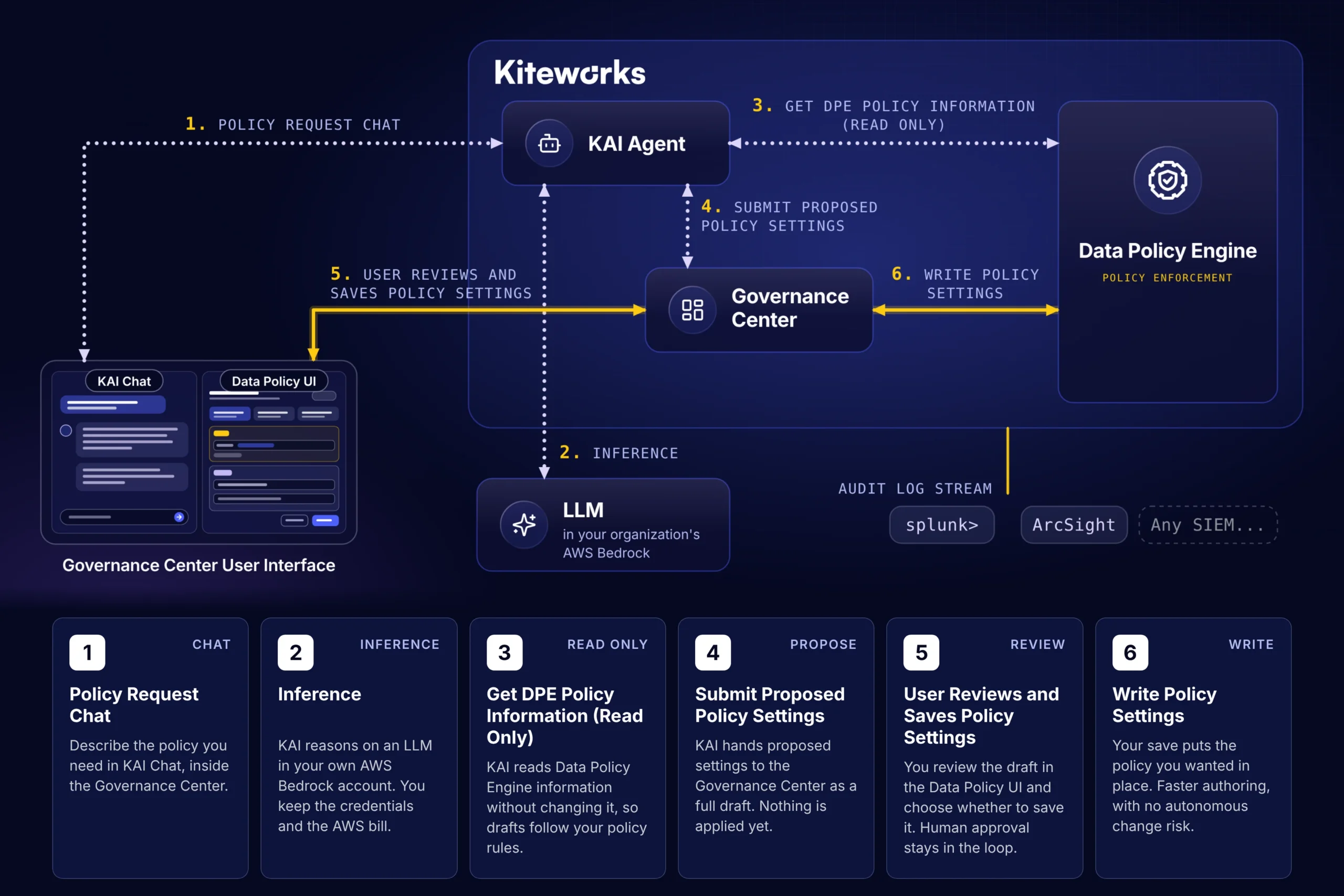
ACT: Apply the Policy Yourself. Ask KAI to draft a policy that blocks external sharing of CUI. KAI has no write tools. A person reviews, saves, and activates the policy.
Interrogate the Audit Log
Ask a complex question about activity, such as who downloaded the most files last week, by domain. KAI answers with counts, breakdowns, and the specific events behind them. The server does the heavy lifting, so nobody counts by hand: KAI groups every matching event, not just one page of results, so the answer arrives already counted. Your first answer takes about half a minute.
- Counts: How many events match, already totaled
- Breakdowns: The same answer split by domain, user, or policy
- The specific events behind them: The individual audit log entries used to generate every number
- Show work: Every lookup KAI made is listed under “Show work”, so you verify instead of trust
Answer Questions About Files, Folders, and People
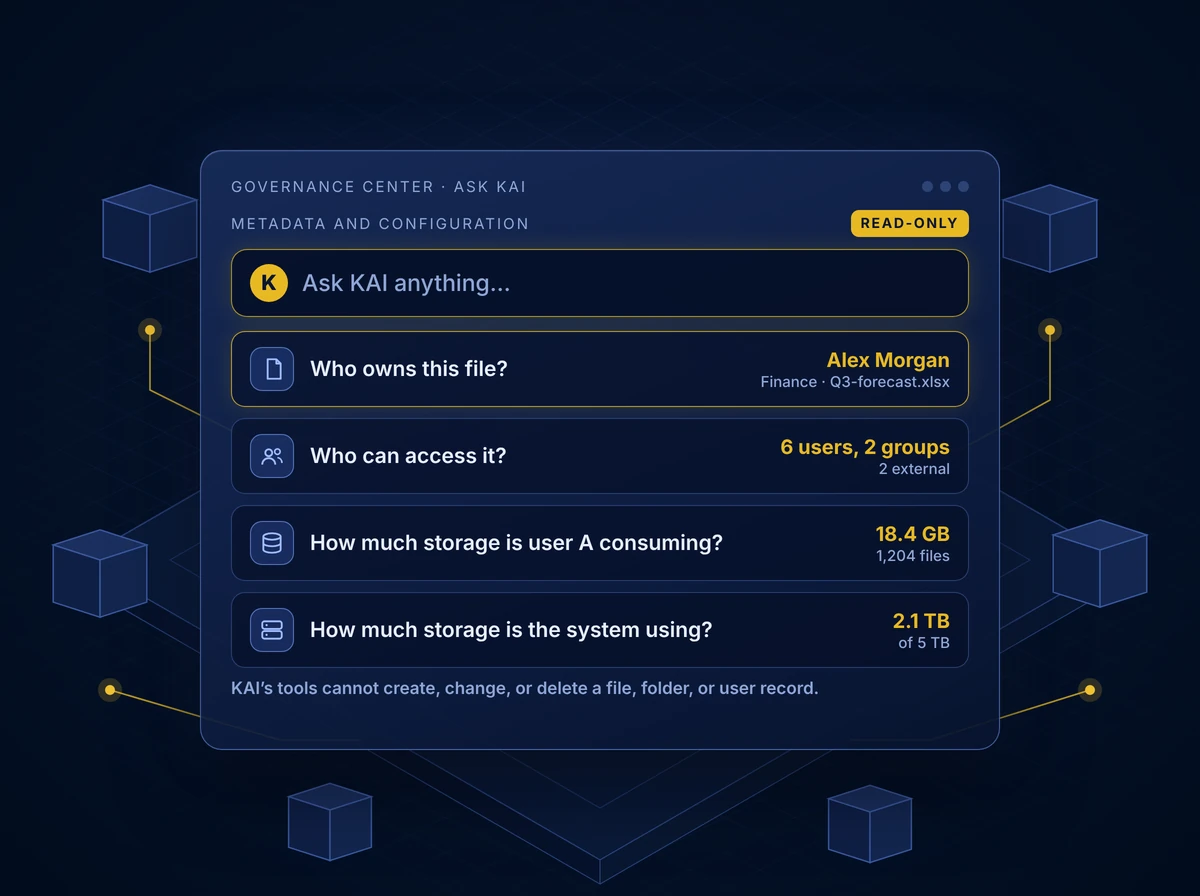
Ask about the data you govern and get an answer from your system’s metadata and configuration. Who owns a file, who can access it, and how much storage a user or the whole system is consuming are all one question away, with no report to request and no analyst to wait for.
Ask questions such as:
- Who owns this file?
- Who can access it?
- How much storage is user A consuming?
- How much storage is the system using?
Read-only so it’s safe to explore. KAI’s tools cannot create, change, or delete a file, folder, or user record.
Use KAI to Draft a Policy
Describe the policy you need in plain language. KAI reasons on your own model, reads your Data Policy Engine settings without changing them, and hands your Governance Center a full draft. Nothing is applied until a person reviews and saves it.

An AI Agent Your Security Team Can Approve
Read-only is a feature, not a limitation. Gartner recommends proportional governance for AI agents. KAI sits at the advise level: It explains and drafts, and a person decides.
Read-Only by Design KAI explains and drafts. It never changes data.
Your Model, Your Account Runs on Claude through your AWS Bedrock account. You hold the credentials and pay AWS directly.
History on Your Appliance Conversation history stays on your Kiteworks appliance.
Signed-In Admin Permissions KAI works through Kiteworks APIs as the signed-in admin. There is no back door and no separate permission model.
Built for regulated reviews:
- Chat access is limited to System Admin and Compliance roles.
- Credentials are stored encrypted, and every AI settings change is recorded in the Kiteworks audit log.
- The KAI service log never holds prompts, answers, file data, names, or email addresses.
- An admin can switch KAI off at any time without removing it.
One Governed Data Layer for Your Agents and Ours
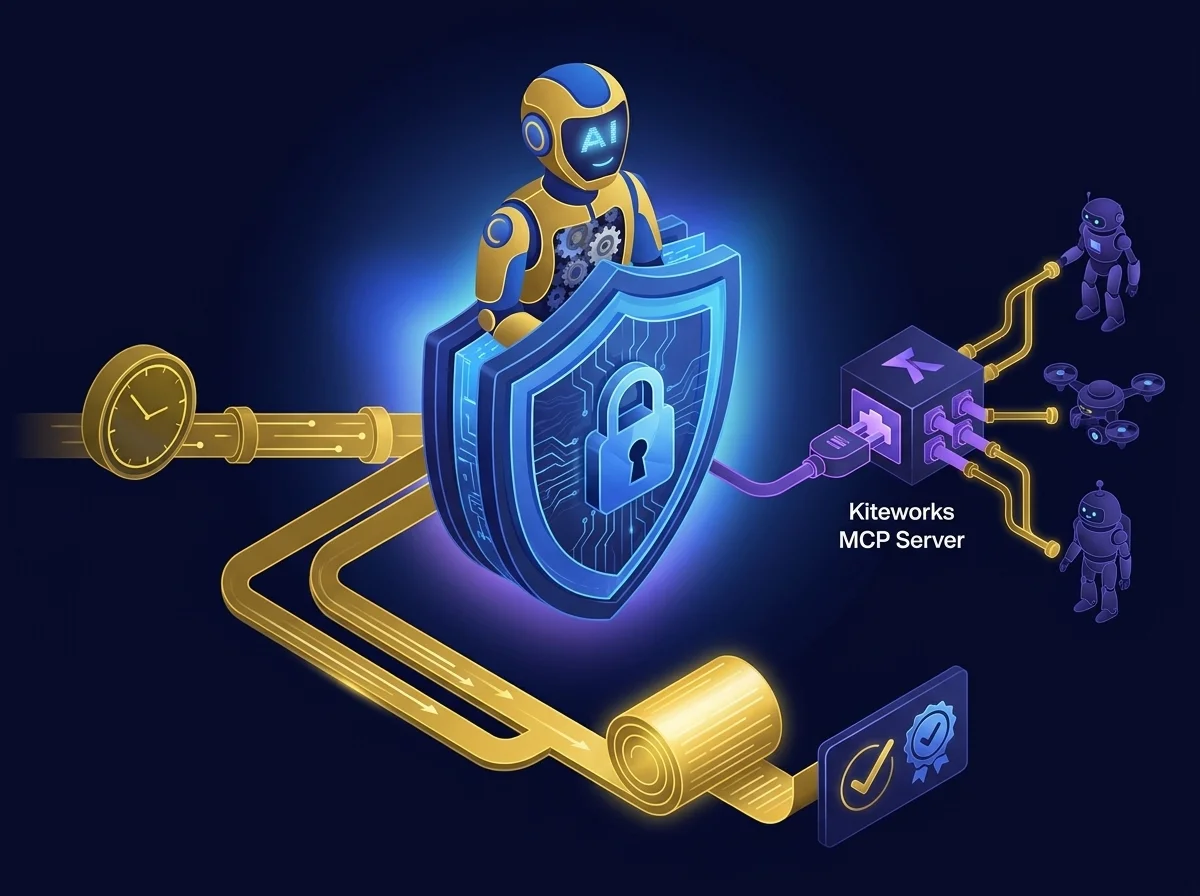
Your agents and ours. KAI is the agent built into the Kiteworks Agents workflow control, and the Kiteworks MCP Server is how you bring your own.
KAI for Governance: The AI agent built into Kiteworks answers audit and risk questions for admins and compliance teams from day one.
Kiteworks MCP Server for Your Agents: Connect your own AI agents to Kiteworks data. Admins choose the API scopes, and the move and delete scopes stay off unless enabled.
One Permission Model, One Audit Log: Whichever agent is acting, it passes through the same Kiteworks permissions and is recorded in the same audit log.
Start with KAI for governance and insight. Add the Kiteworks MCP Server when your teams want their own AI tools working with Kiteworks data.
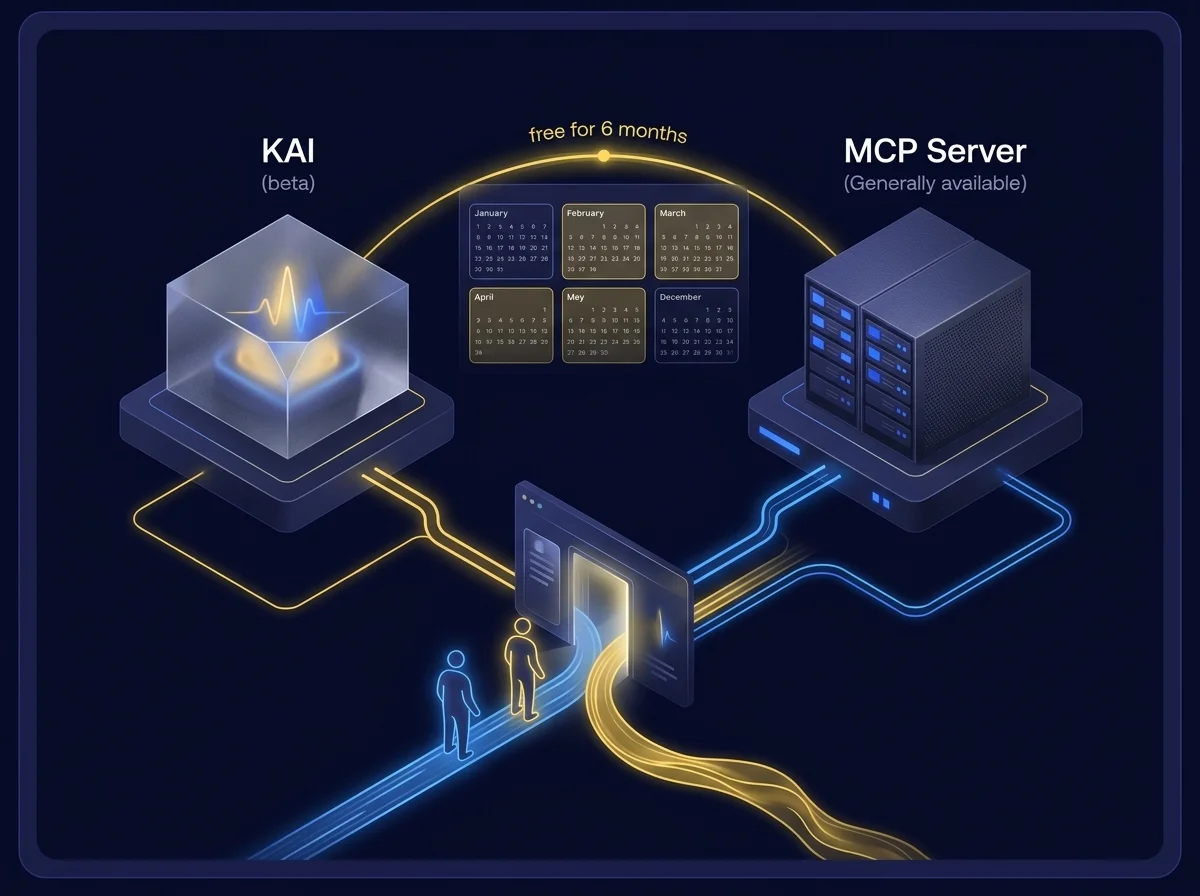
Join Innovators in AI: KAI and MCP Server Free for 6 Months
Customers who join the Innovators in AI program use KAI and the Kiteworks MCP Server free for 6 months. Join through the Innovators in AI intake form or the KAI early access form. Kiteworks MCP Server is generally available and KAI is in beta.
Frequently Asked Questions
Ask questions in plain language via the Governance Center, verify answers by reviewing every lookup under \”Show work,\” and have a human review and activate any policy drafts since KAI has no write access.
KAI answers questions about activity such as file downloads by domain, providing counts, breakdowns by user or policy, and the specific underlying events, with the server performing the heavy lifting so results arrive pre-grouped.
No, KAI is read-only by design. It can draft policies or answer questions about metadata but never changes data; a person must review, save, and activate any changes.
KAI runs on Claude via your AWS Bedrock account, stores history on your appliance, limits chat access to System Admin and Compliance roles, encrypts credentials, logs all changes, and can be disabled at any time without removal.