Kiteworks Secure Editing: Three Options for Sensitive Data Protection
Picture opposing counsel redlining your contract, a supplier changing your CAD model, or an M&A advisor reworking your deal spreadsheet, with no way to download, copy, or take the data with them. No copy on a laptop. No leak to chase down afterward.
Until now, editing a sensitive file meant a compromise. Open it in a cloud editing service, such as Microsoft Office in the cloud, and the file moves into another company’s environment. Open it in Microsoft Office on the desktop, and a copy sits on a device where you can no longer govern it or take it back.
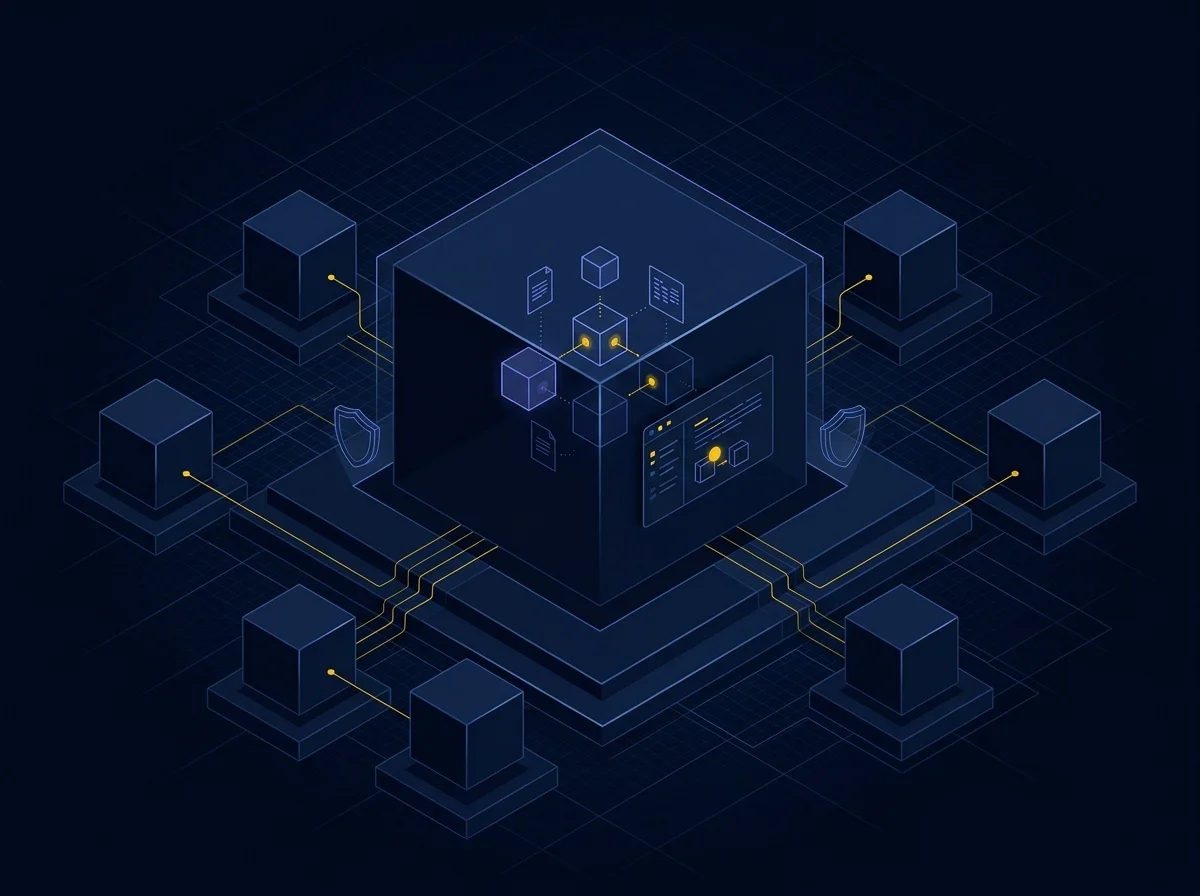
Kiteworks removes the compromise. Editing happens on your Kiteworks server under strict extraction controls, so the user gets a frictionless, browser-based editing experience and never possesses the file.
Sensitive data has to be edited, not just stored
Moving the file to a third party’s cloud is a compliance problem for many regulated organizations, and many CMMC-compliant organizations don’t allow controlled unclassified information (CUI) on user desktops at all. Neither compromise works when the person editing is an outside partner from whom you can’t risk a data leak, such as opposing counsel or an advisor in an M&A process.
With Kiteworks editors, the editing happens on the server, so sensitive data stays inside the Kiteworks platform from the first click to the final save.
Three editing options, one platform
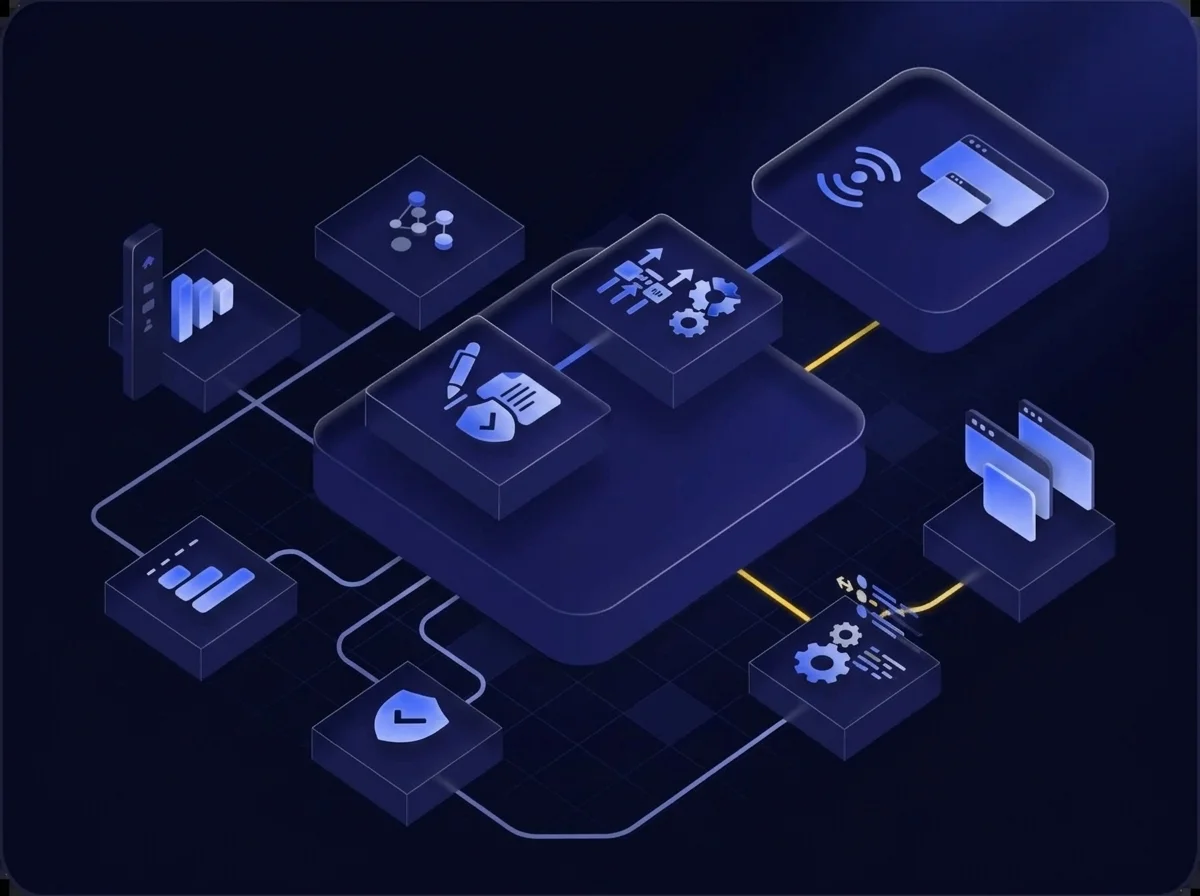
Kiteworks gives you three ways to edit, from everyday Office collaboration to full data extraction controls enforced through unified data policies. Each one is optional, and you can deploy one, two, or all three alongside your Microsoft Office integrations, applying each where it fits. Sovereign Edit builds on Edit, so it is added to users who have Edit. Sovereign Edit – Streaming stands on its own.
- Kiteworks Edit: Office-compatible viewing and editing for every user, with no Microsoft Office license.
- Sovereign Edit: data extraction controls that run on top of Edit, for the users and data that need them.
- Sovereign Edit – Streaming: a complete editing and controls layer of its own, for any file type, using the desktop applications you choose.
Kiteworks Edit: Office productivity for every user
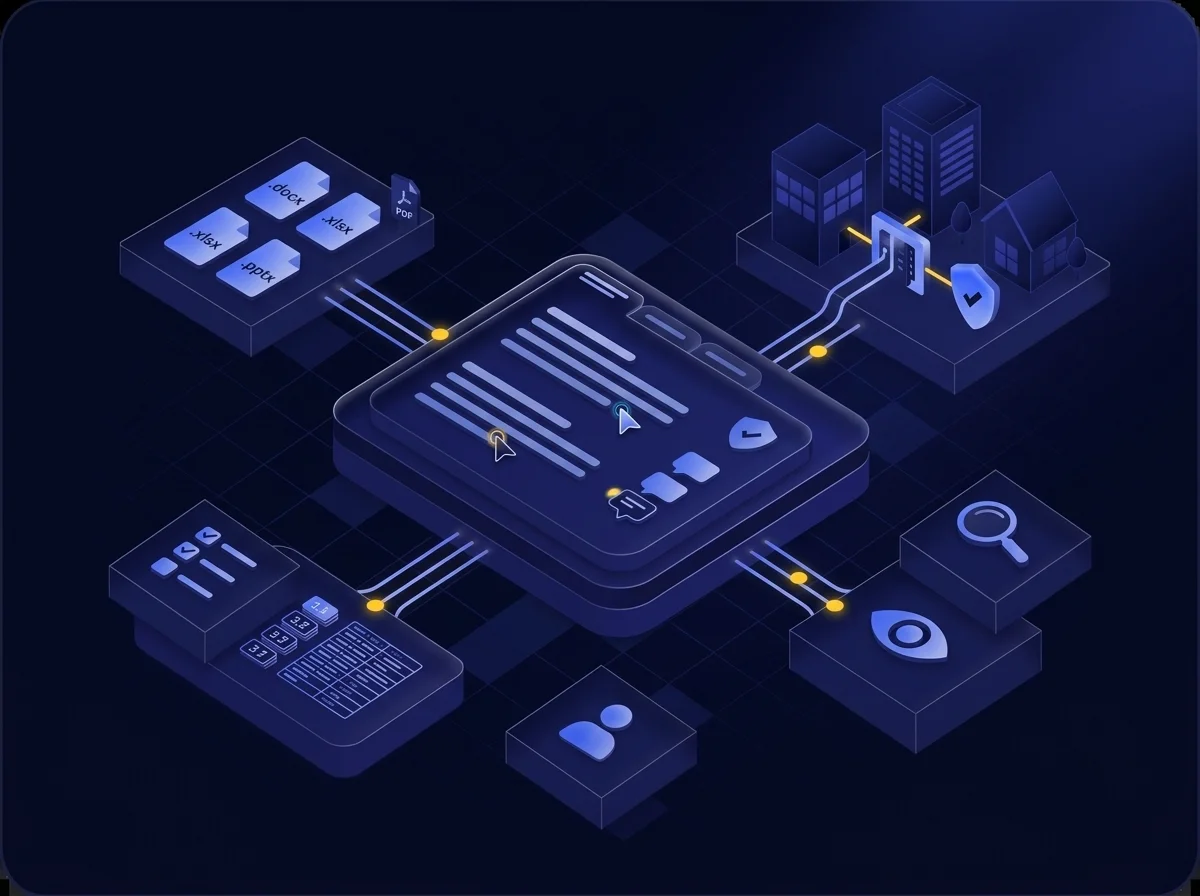
Edit is the foundation, and the layer Sovereign Edit builds on. It is licensed and deployed to all of your seats, so every user can view and edit files inside Kiteworks in a browser, including outside partners, wherever your data policies grant them access.
Edit works on Microsoft Office formats (docx, .xlsx, .pptx), lets users annotate PDFs, and supports a range of open-source and legacy formats. It does not require a Microsoft Office license.
- Real-time multi-user co-editing with live cursors and changes
- Track changes and comments
- Multi-file editing, with each document open in its own tab
- Auto-save, versioning, and full audit logging
- Multi-user view-only mode
Sovereign Edit: Extraction controls on top of Edit
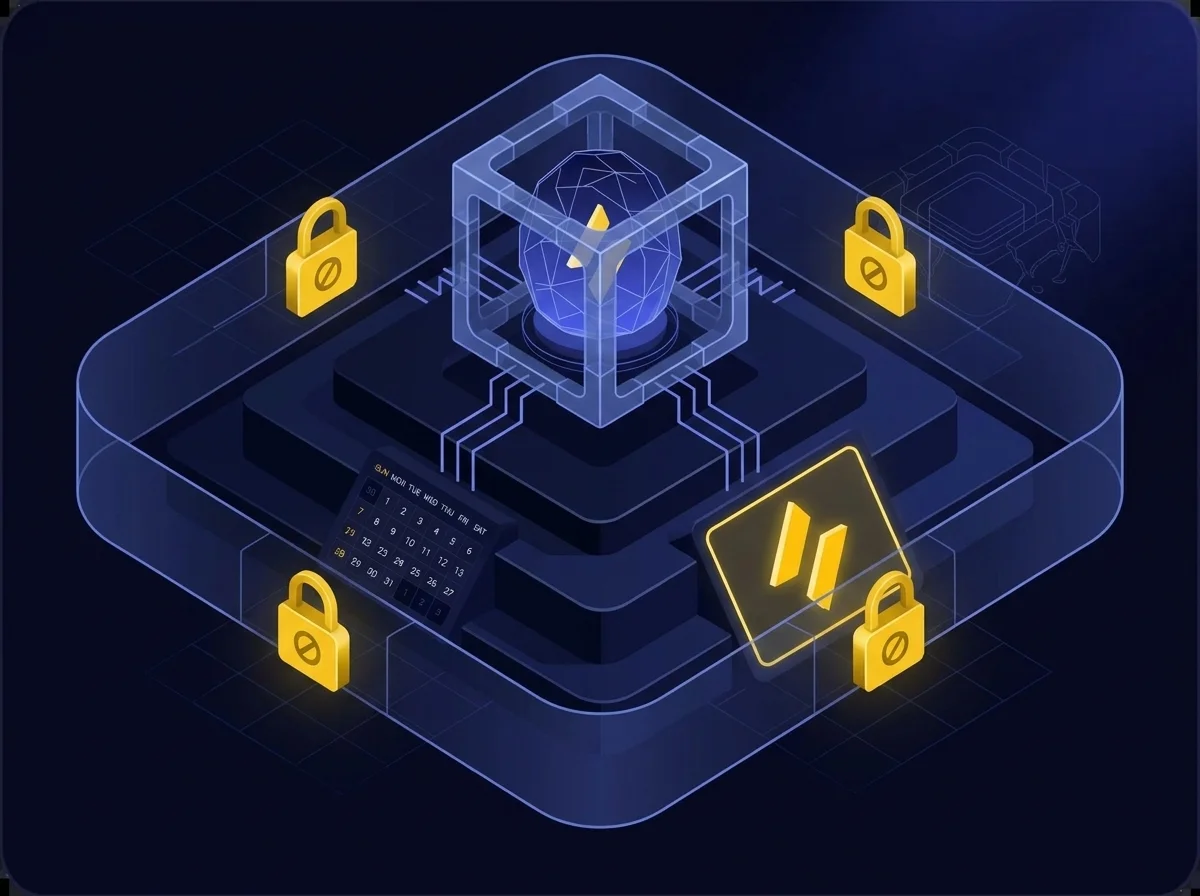
Sovereign Edit is not a separate editor; it is a set of data extraction controls that run on top of Edit sessions, enforced through your unified data policies. It is licensed and deployed to a subset of named seats, so you apply it to the people and data that need it. Create policies in the Data Policy Engine (DPE) that identify sensitive data that requires controlled editing, either with Sovereign Edit or Sovereign Edit – Streaming.
- No export, download, or print: data cannot leave the perimeter
- No copy-paste: clipboard extraction is blocked (except within the document itself)
- Enforced watermarking: applied automatically and not removable by the user
Sovereign Edit – Streaming: Any application, any file type
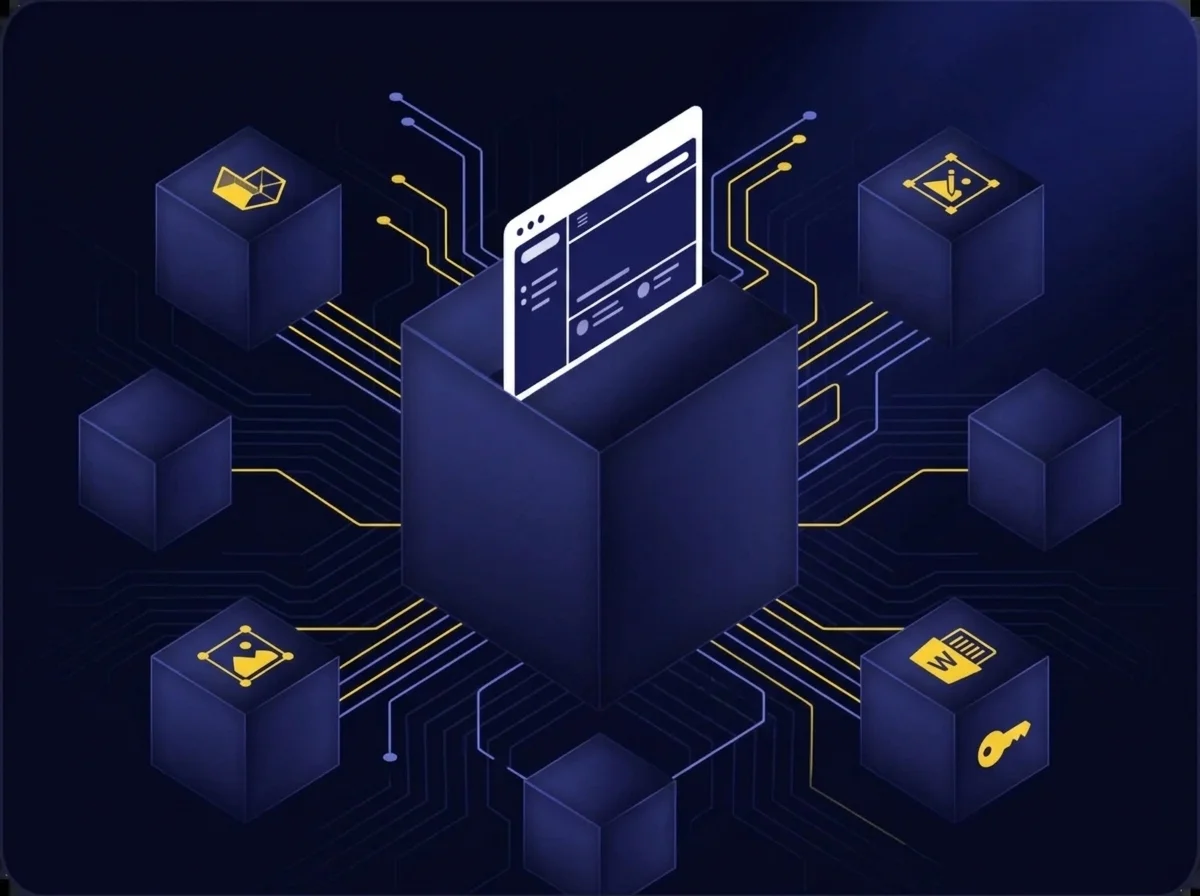
Some files need a full-featured desktop application: CAD models, graphic design files, or genuine Microsoft Word. Sovereign Edit – Streaming runs that application in a hardened Windows virtual desktop in your environment and streams only the screen to the user’s browser. The file is never sent to the user’s device, and there is nothing for the end user to install.
You provide the editor licenses and install the editors your team needs. Sovereign Edit – Streaming is licensed and deployed to the subset of users who need it. Since it brings its own editing and its own controls layer, these users do not need Edit or Sovereign Edit seats to use it.
Which editing option do you need?
Start with Edit for everyone, then add controls where the data demands them. Most organizations mix the options by user, file type, and risk level.
| If you need to edit… | Choose |
|---|---|
| Non-sensitive Office files | Edit |
| Sensitive Office files | Edit with Sovereign Edit |
| Sensitive specialized files | Sovereign Edit – Streaming |
| Sensitive files with genuine Microsoft editors | Sovereign Edit – Streaming |
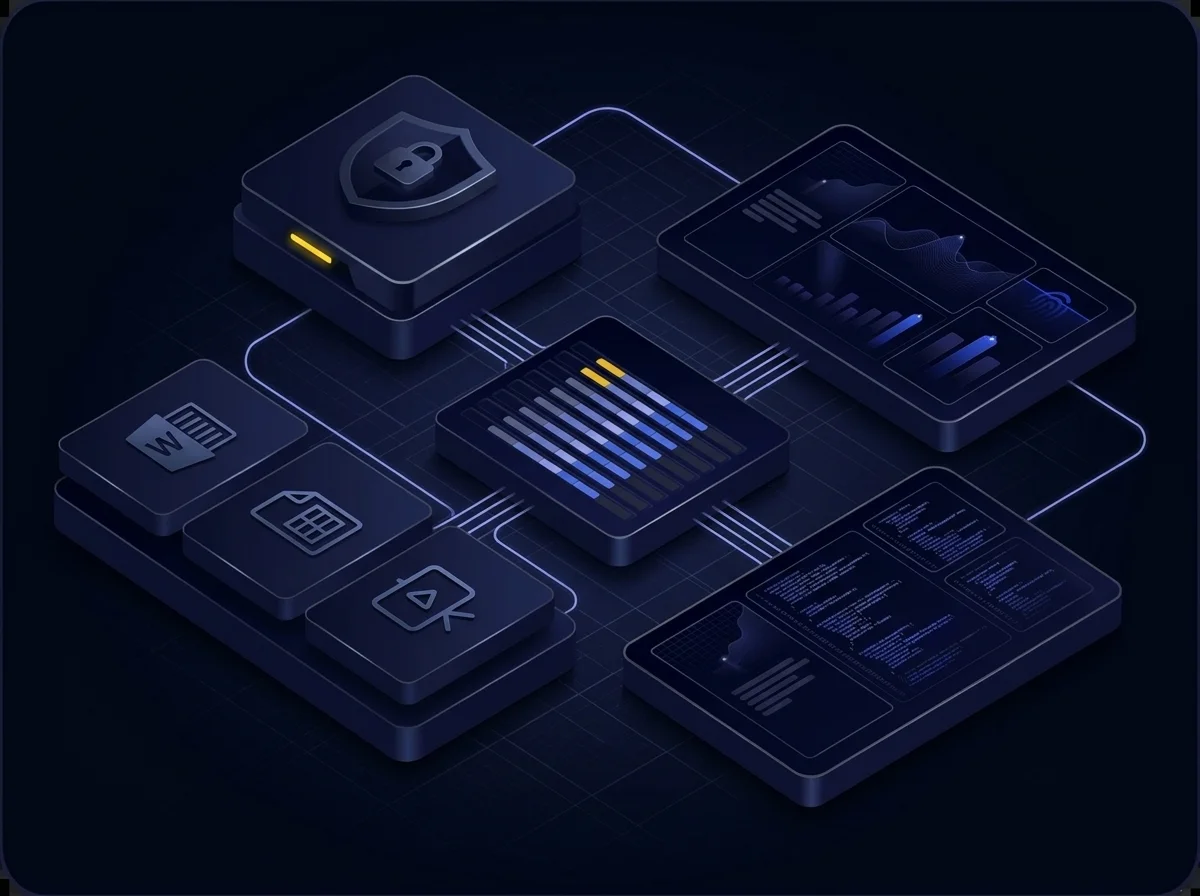
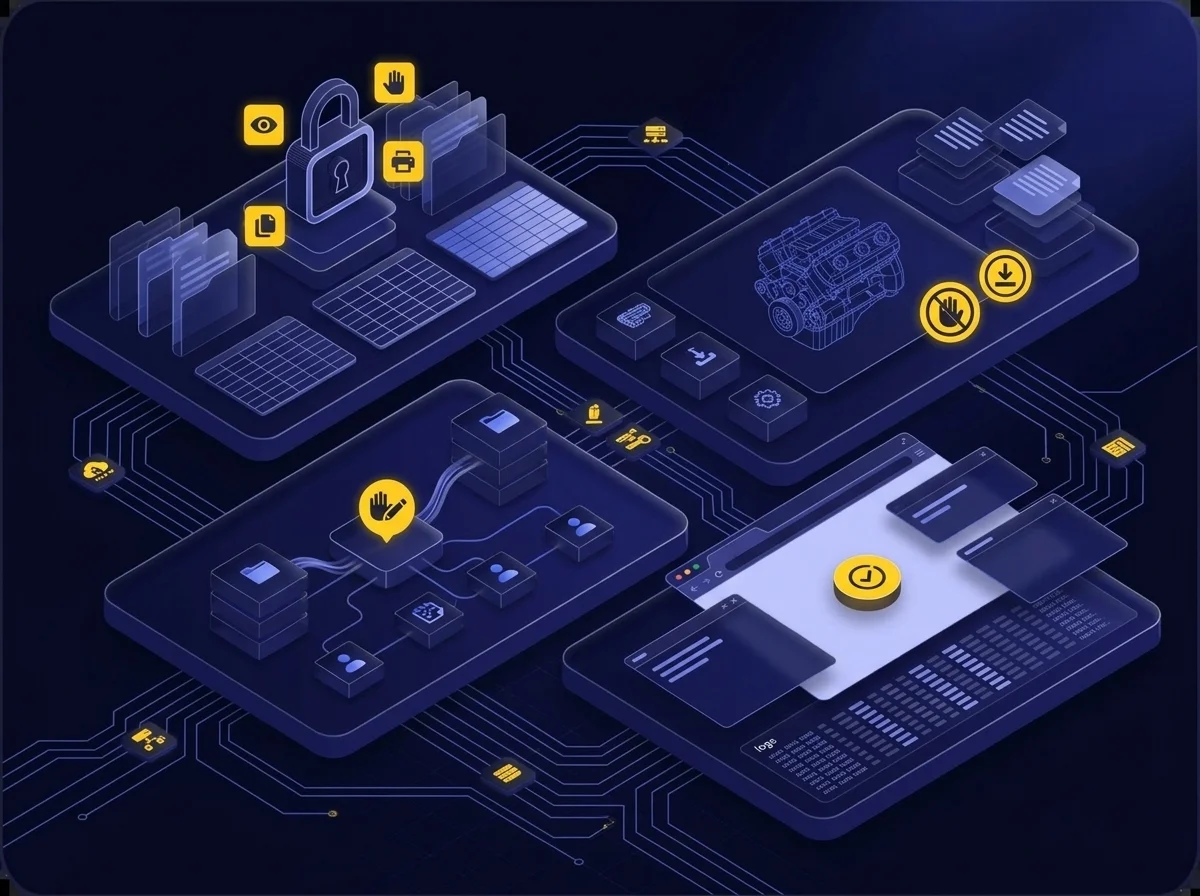
Use Cases: An editor for each risk level and file type
-
A shared plan with an outside partner
Both organizations work from on shared plan, and both can export and keep the result. Kiteworks Edit lets the partner edit in the browser without holding a Microsoft Office license. -
Confidential deal spreadsheets in an M&A process
Bankers and advisors work on your financial model in Kiteworks Sovereign Edit, which logs every session. It blocks download, export, copy, and print, and enforces a watermark, so the model stays in your hands. -
CUI under CMMC
Employees and partners edit Office files in the controlled location on the Kiteworks server rather than on their desktops. Sovereign Edit blocks download, copy, and print, so the data cannot escape to a user’s device. -
Regulated CUI inside a CAD model
A supply chain partner navigates and edits in real CAD software. Sovereign Edit – Streaming gives them no way to download or copy the data. -
Outside counsel redlining a contract
The firm requires genuine Microsoft Word. Sovereign Edit – Streaming runs it in your environment and streams only the screen image, so counsel redlines without possessing the file.
Frequently Asked Questions
Moving files to a third-party cloud creates compliance issues for regulated organizations, and many CMMC-compliant firms prohibit CUI on user desktops. Kiteworks editors keep sensitive data inside the platform from first click to final save, avoiding data leaks with outside partners.
Kiteworks offers Kiteworks Edit for basic Office-compatible editing without a Microsoft license, Sovereign Edit which adds data extraction controls on top of Edit, and Sovereign Edit – Streaming for any file type using desktop applications streamed from a virtual desktop.
Sovereign Edit enforces no export, download, or print; blocks copy-paste outside the document; and applies automatic, non-removable watermarking, all managed through unified data policies.
Use it for sensitive specialized files like CAD models or when genuine Microsoft editors are required. It runs the application in a hardened virtual desktop and streams only the screen, ensuring the file never reaches the user’s device.
Featured Resources
CMMC Mapping: Sensitive Content Communications for CMMC 2.0 Compliance